What keeps running, and what stops
Before access ends, you'd get notice and a way to export your history. That's in our Terms, section 16.
| If WattHacker closes | Keeps running? |
|---|---|
| Your monitor reading your SunPower box | ✓ |
| Each night's row in your Google Sheet (Gigawatt) | ✓ |
| Missed nights catching up | ✓ |
| The WattHacker app and dashboard | ✕ |
| Panel alerts | ✕ |
| History on our servers | ✕ |
| Monitor updates | ✕ |
| Connecting or reconnecting Google | ✕ |
Why the sheet doesn't need us
- It reads your system at home. The monitor talks to your SunPower box on your own network, and keeps doing so when our servers don't answer.
- It keeps its own settings. The Google key, the sheet, and your time zone live in the monitor's memory, through reboots and power cuts. Only a message from our servers changes them, so silence changes nothing.
- It talks to Google itself. Each night it renews its access with Google and adds the day's row. We delete our copy of the key once your monitor has it.
- It sets its clock from public time servers, not ours, so each day lands on the right date.
- It waits out an outage. On a typical roof it holds about six months of daily totals and two months of 15-minute readings, less on a very large one, then adds missed days, oldest first.
- It repairs a deleted sheet. If the sheet is gone, the monitor makes a new one.
The sheet's path never touches our servers.
What it still depends on
- Your monitor, plugged in and powered.
- Your home internet.
- Your Google account, with the permission still allowed.
- Google keeping Sheets working as it does today.
- The Google project behind the connection staying open. Google doesn't charge for normal Sheets use, so there's no bill to lapse.
Google can close a connection nobody uses for six months. Every monitor uses it every night.
Your data, your file
The sheet sits in your own Google Drive. The permission you approve reaches only the sheets your monitor makes, nothing else in your Drive.
Each row is a date, the day's total, and every panel's kWh. Download it as Excel or CSV from Google Sheets anytime. Keeping records for a warranty claim? Here's how the sheet helps.
Who gets it
Gigawatt owners with a SunPower system. It isn't available for Enphase systems, which don't report a lifetime counter for each panel, or on our earlier Raspberry Pi monitor.
Why I built it
I'm a SunPower owner with 19 years left on my warranty. I'm not going anywhere, and I'll work tirelessly to keep WattHacker running.
The sheet means your records don't depend on that.
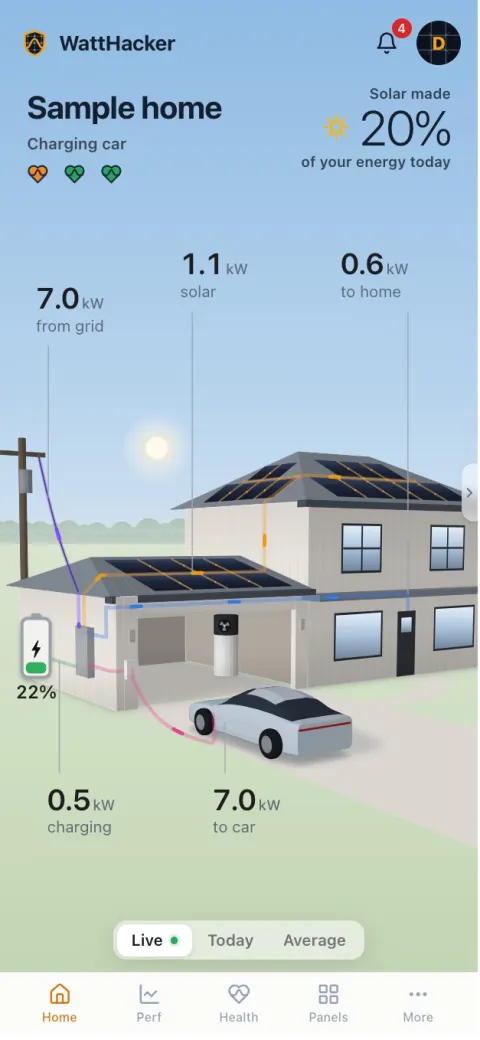
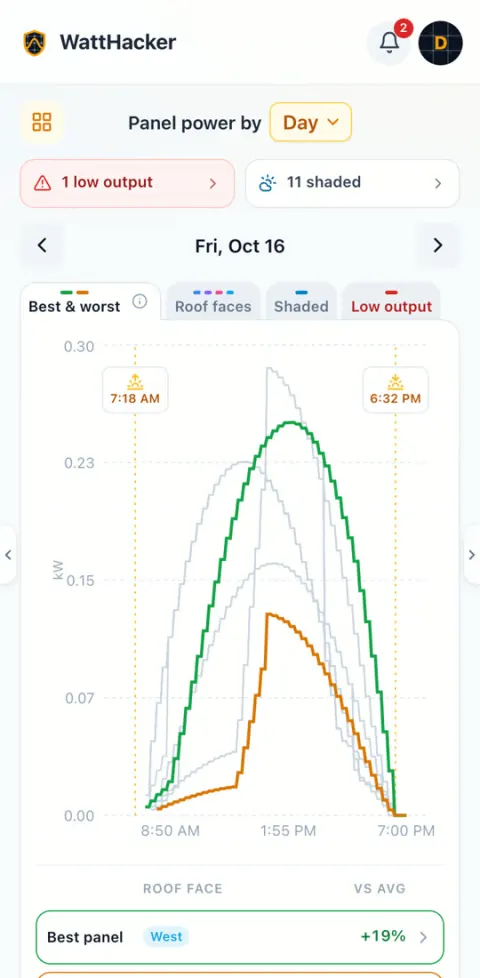
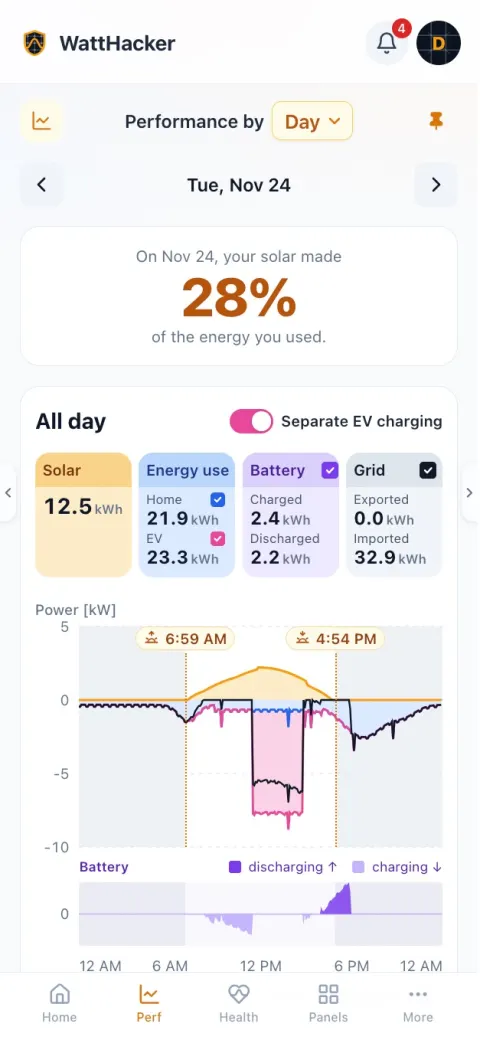
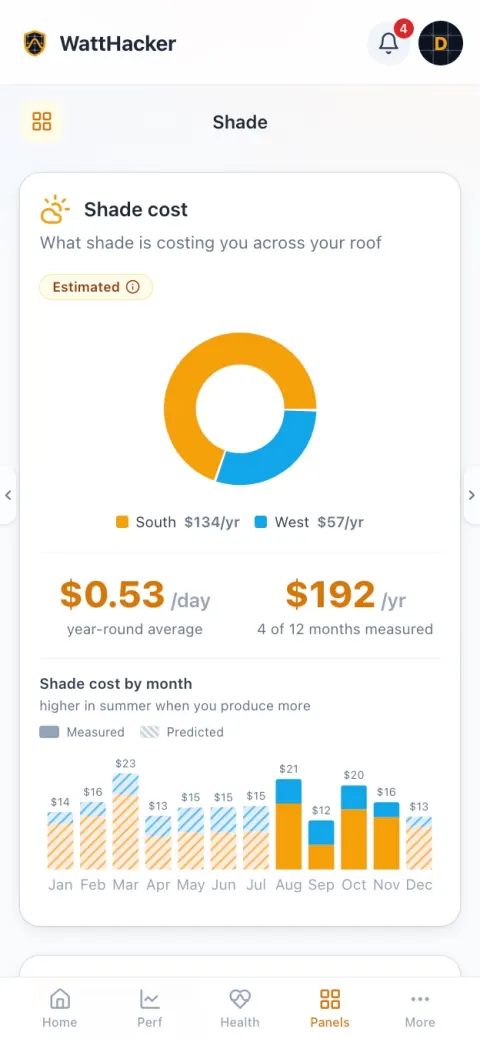
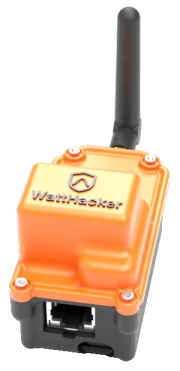
See every panel again.
- No subscription
- Alerts when a panel fails
- Plug it in yourself, no installer
$75 onceEvery panel, live
$199 oncePlus full history


Free app; monitor required. WattHacker is independent and not affiliated with SunPower, SunStrong, Maxeon, or Enphase.
Common questions
What happens to my data if WattHacker shuts down?
The WattHacker app, alerts, and the history on our servers would stop, after notice and a chance to export. With Gigawatt, a SunPower monitor also writes each panel's daily production to a Google Sheet in your own Google Drive every night, talking to Google directly, not through WattHacker. That sheet keeps growing as long as your monitor, your home internet, and Google keep working.
Does the monitor stop working if WattHacker's servers go down?
No. It reads your SunPower box on your home network and keeps its Google Sheet settings in its own memory, through reboots and outages. Only a message from our servers can change them, so silence changes nothing.
Who owns the Google Sheet?
You do. It's a file in your own Google Drive. WattHacker deletes its copy of the access key once your monitor has it, and the permission reaches only the sheets your monitor makes. You can remove it anytime from your Google Account.
What if my internet is down for a while?
The monitor keeps each day's figures in its own memory, about six months of daily totals on a typical roof (less on a very large one), and adds the missed days, oldest first, once it's back online.
Does it work with Enphase?
Not today. The nightly sheet needs each panel's lifetime energy counter, which SunPower gateways report and Enphase gateways don't.
 See every panel again SunPower, no subscription.
See your own panels, live.
See plans Try the demo Back to home