The short answer
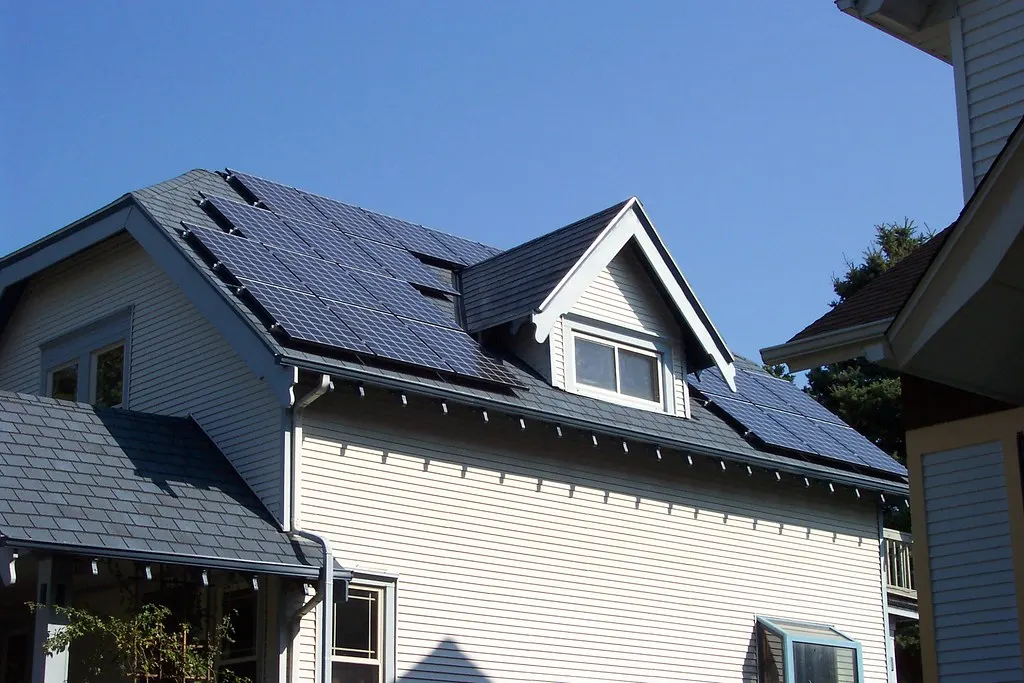
Your gateway already has your data. The PVS6 by your electrical panel has been recording every panel, all day, the whole time — and keeping it on your own network. None of that stopped when SunPower did.
What you lost was the window. The app was only ever a way of looking into the box.
The live view is still free. The useful parts — panel-by-panel detail, and any history at all — now sit behind $9.99/mo.
So this isn't about getting your data back. It's already yours, in your own home. It's about choosing how you'd like to see it.
Option 1 — The official app, SunStrong Connect
Free to look · $9.99/mo for the useful parts
The official replacement. Seeing that the system is on costs nothing; seeing which panel is misbehaving, or anything that happened yesterday, does not.
What's good
- Nothing to buy, nothing to plug in
- Live production, on your phone, today
- Controls a SunVault battery
- Free entirely if you lease or have a PPA — Premium is included with your agreement
What's not
- Panel-by-panel is Premium only, if you own your system
- No history on the free tier
- Your gateway has to stay connected to their cloud
- Nothing to export — the data stays theirs
Best for: anyone who just wants to know the system is running — and every lease or PPA customer, who already has the paid features for nothing.
Where it falls short: owners. Everything an owner actually wants sits behind the subscription.
Option 2 — Sunflower, an independent app
$11.99/yr · Bridge box $49.99
A phone app that reads your gateway directly. The cheapest paid way to see every panel.
What's good
- Cheapest subscription here, by a distance
- Every panel included
- Keeps your existing gateway — nothing swapped
- No technician
What's not
- Your phone must be on the same Wi-Fi as the gateway
- Records nothing while the app is closed
- History needs the $49.99 Bridge, which samples every 30 minutes
- Setup runs through your router — IP addresses and Wi-Fi settings
Best for: someone who mostly wants to glance at the panels while they're at home, for the least money possible.
Where it falls short: leaving something watching. Without the Bridge nothing is recorded at all; with it, once every half hour.
Pricing checked 10 August 2026; confirm with them directly. Not affiliated with us.
Option 3 — Pay Enphase to replace the gateway
$999 as of August 2026 — a technician comes to your house
Not a workaround. Your SunPower gateway comes out and an Enphase one goes in, and you're on their platform afterwards.
What's good
- Brand-new hardware with a company that still exists
- Every panel included
- Somebody else does all the work
What's not
- $999 as of August 2026, plus an appointment you have to be home for
- The gateway you already paid for is thrown away
- Not available for SunVault battery systems
- Enphase also sells an optional service subscription (Enphase Care) on top
Best for: someone whose PVS6 has genuinely failed, who would rather buy their way onto a supported platform than manage anything.
Where it falls short: SunVault owners — they're excluded outright. And it is a great deal of money to solve a problem about looking at a screen.
Confirm current pricing with Enphase directly.
The app was only ever a way of looking into the box.
Option 4 — Plug a monitor into the gateway you already own
$50 once · then free · $6/mo only if you want history
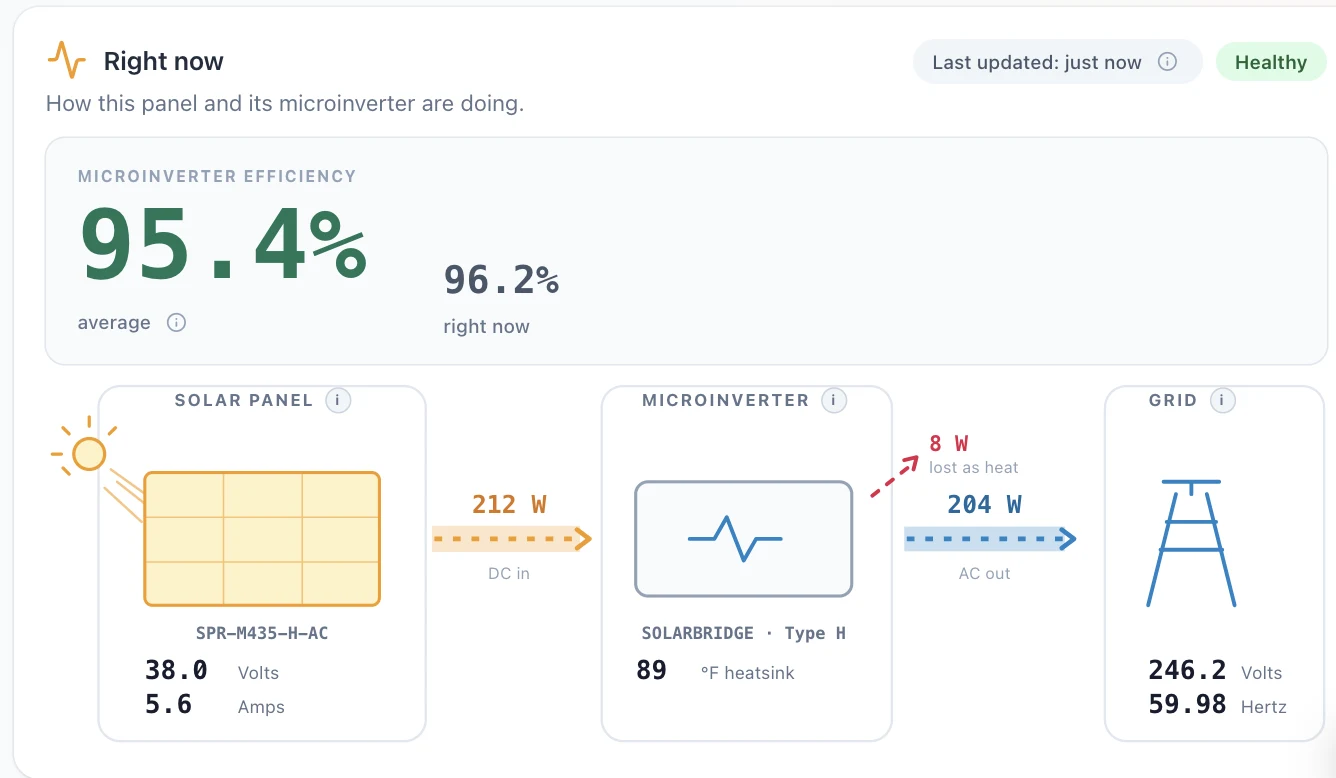
A small box you plug in yourself: about 5 minutes to connect, 15 to see data. It watches the system all day whether or not you ever open anything.
What's good
- Every panel, free — not a trial, no card on file
- Records every 2 minutes on its own, with no phone involved
- Nothing to set up on your router
- Your gateway never joins your home Wi-Fi — the box plugs into its own service port
- Download everything as a spreadsheet, any time, on the free plan too
- 30-day money-back guarantee
What's not
- There is a box, and you have to plug it in
- Keeping the history costs $6/mo — more than Sunflower's app
- We are new and small; SunStrong and Enphase are not
Best for: anyone who would rather have something watching than something to check — and anyone who'd prefer an internet-connected box from a bankrupt company not sit on their home network.
Where it falls short: someone who only wants an occasional look. SunStrong's free tier or Sunflower will do that for less, and we would rather say so here than have you find out afterwards.
Which should you pick?
| SunStrong | Sunflower | Enphase | WattHacker | |
|---|---|---|---|---|
| Up front | $0 | $49.99 for history | $999 | $50 |
| Per month | $9.99/mo | $1.99/mo | — | $0, or $6/mo |
| Keeps your gateway | ✓ | ✓ | ✕ | ✓ |
| No technician | ✓ | ✓ | ✕ | ✓ |
| Every panel, free | ✕ | ✓ | ✕ | ✓ |
| Records while you're not looking | ✓ | – | ✓ | ✓ |
| How often | ? | 30 min | ? | 2 min |
| Export your own data | ✕ | ? | ? | ✓ |
| Gateway stays off your home network | ✕ | ✕ | ✕ | ✓ |
The last row is the one worth pausing on. Every other option needs your SunPower gateway sitting on your home network — talking to the internet, or at least to your router.
Ours doesn't. The monitor plugs into the gateway's own service port and carries the data out itself, so the gateway never has to join your Wi-Fi at all.
If the idea of an internet-connected box from a bankrupt company living on your home network bothers you, that difference is the whole reason to pick us.
Competitor prices as of August 2026. SunStrong's tiers and features are as published on their own support page (checked 16 August 2026); Sunflower's are from sunflowermonitor.com and its App Store listing (checked 10 August 2026). "Not checked" means exactly that — we didn't verify it, so we're not going to guess. Confirm current pricing with each directly; all of them have changed before.
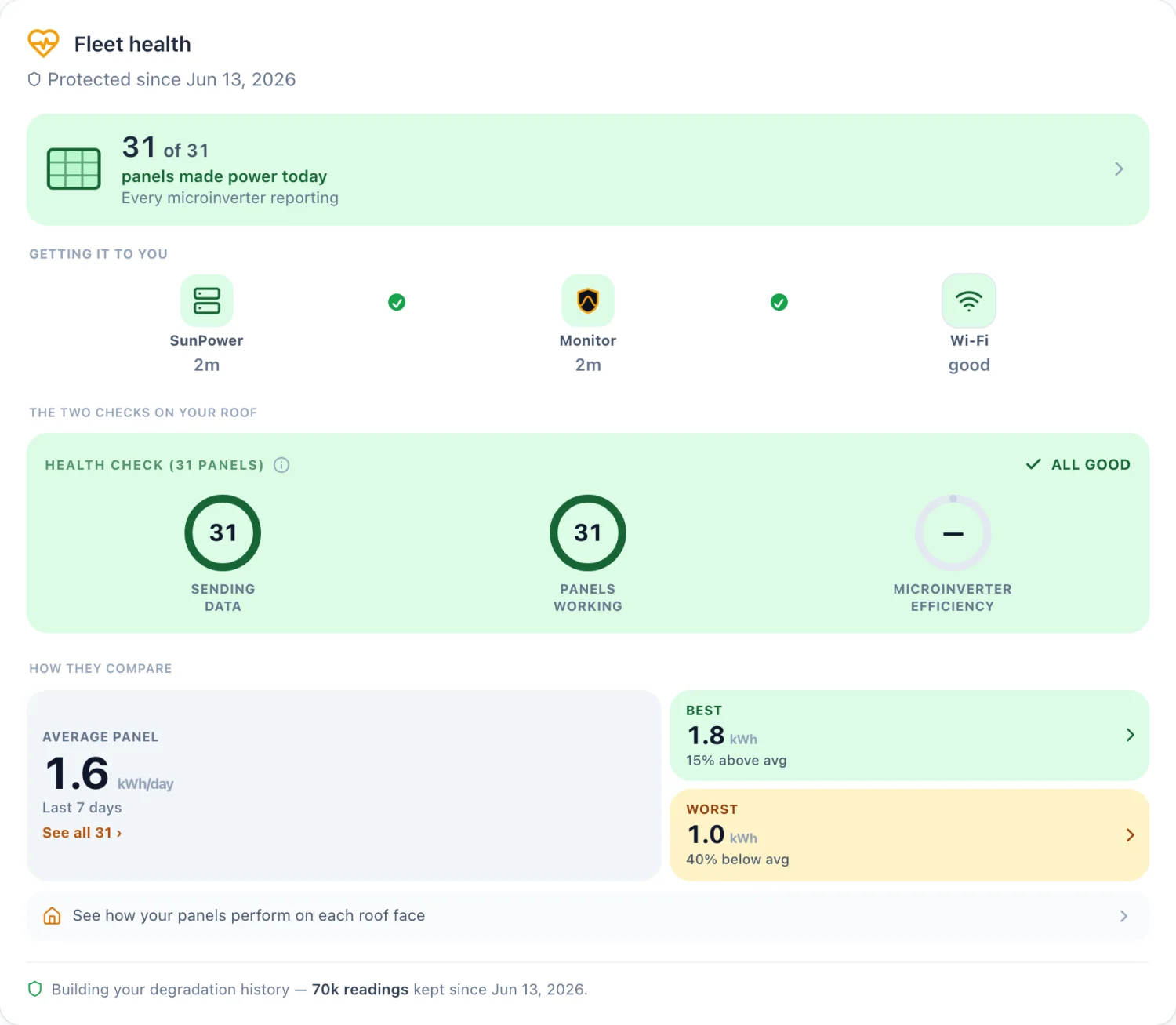
What the $6/mo plan adds, on top of everything that's free:
- A production record, banked from day one. We log every panel's output continuously, starting the day you plug in. That record is the product: if a panel fades in year six, you'll have its whole history, downloadable as PDF or CSV — and you can't go back and collect it later. We keep the record; what you do with it is your call.
- Year-over-year decline charts, built on the same data. They switch on automatically once there's enough of it, at around two years.
- Shade analysis for the full year. The shade view is free; Megawatt keeps every reading, so every month gets measured.
- Battery sizing from your real usage — your own 12 months of data, not a rule of thumb.
- Home energy analysis. Expected-versus-actual production, and where your year's energy really went.
- Unlimited history and downloadable per-panel records.
And if you're technical, there are two free, open-source routes we'd rather you knew about, both reading the gateway's service port much as we do:
- hass-sunpower, an integration for Home Assistant;
- sunpower-monitor, a self-hosted stack with its own web dashboard and Android app.
Neither costs money; both cost time, and both leave you to keep up with SunPower's firmware changes yourself.
The September 2025 change is still an open issue on the first. The second needs the newer authenticated gateway interface, which older PVS6 units don't have at all (we tested a 2023 build: those requests simply aren't there).
Keeping up with that is our job rather than yours — that's what the box and the update channel are for. If you'd rather take it on, both are genuinely good places to start. Repositories checked 21 August 2026.
Where WattHacker fits
The WattHacker monitor is a small box that plugs into your existing SunPower PVS5 or PVS6 gateway on your own home network and reads it directly. It doesn't rely on SunPower's or SunStrong's servers, because for owners like you those are either gone or behind a paywall. No technician, no electrician, no rewiring — you plug it in yourself.
- The monitor is $50 once, with a 30-day money-back guarantee.
- Free to see your panel data — every panel, live, no subscription, and no card on file.
- An optional premium plan at $6/mo (billed annually) adds the memory: full history kept for good, year-over-year comparison, and alerts told to you in dollars.
- Built by an electrification superfan who wants to help others use their solar smarter, lower their utility bills, and clean up the planet. Who's behind it.
Still have questions about your own system? I'll go through it with you — your panels, your bill, and what's worth doing about it.
Book a free callHave SunPower? See how it works, or see a demo.
Real panels, real production.
Common questions
Can I monitor SunPower panels without paying a monthly fee?
Yes. Your PVS6 gateway holds your production data locally on your own network, so it can be read without any subscription. A plug-in monitor does this for you with no technician visit; Enphase will also replace the gateway with their own for a fee; and if you are technical, free open-source software can read it directly.
Does the SunStrong app have a free tier?
Yes. SunStrong's rebuilt app has a free Basic tier with real-time power flow and system health. Historical data, panel-level monitoring, and analytics sit behind Premium at $9.99 a month or $99.99 a year.
Is reading my own solar gateway allowed?
Yes. It's your equipment, your monitoring box, and your data to view how you see fit.
Do you support the PVS5, or only the PVS6?
Both. The PVS5 has the same local interface as the PVS6, and the monitor reads either one the same way, every panel included.
See your own panels, live.
See plans Try the demo Back to home