The short answer
Your panels almost certainly did not stop. Microinverters produce and export on their own.
Enlighten is a reporting layer sitting on top of them. When it will not load, what has broken is the path the numbers travel, not the hardware on the roof.
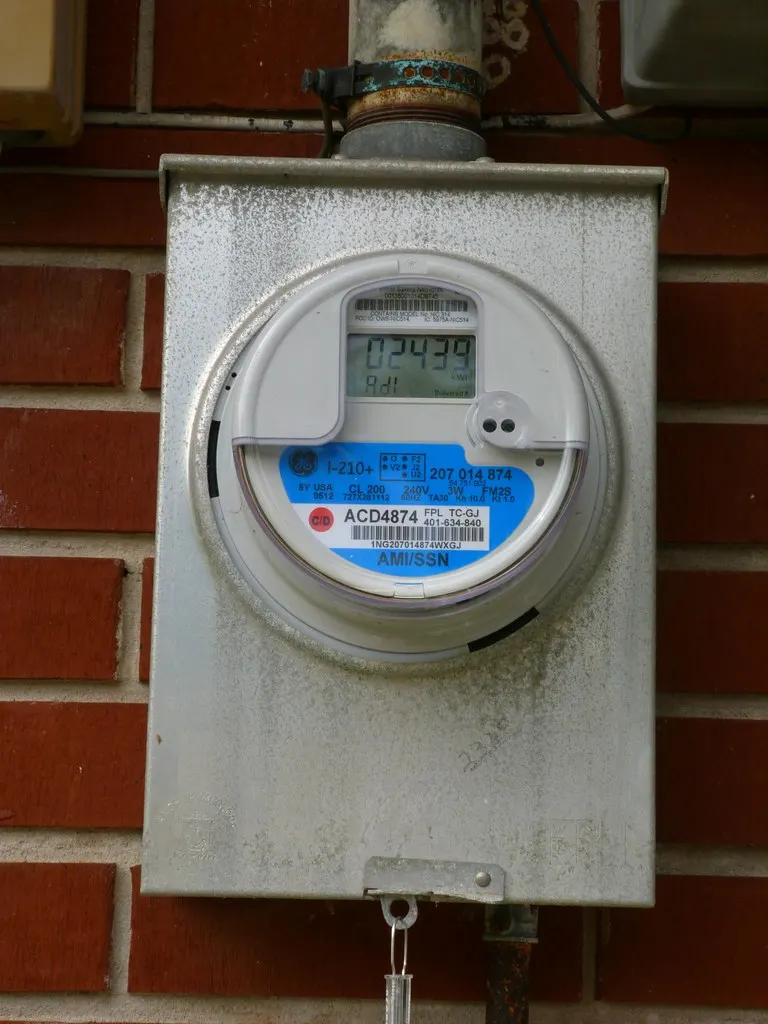
The quickest independent check is your utility meter. On a sunny afternoon, if it is still running backward, you are still generating. Nothing about the app changes that.
What to check, cheapest first
Work down this list rather than across it. Each step rules out a whole class of cause, and the early ones cost nothing.
- Sign in from a browser at enlighten.enphaseenergy.com. If the web view works and the app does not, it is the app — reinstall it. If neither works, keep going.
- Check your own internet. A gateway reports through your home network. If the router is down or has been replaced, Enlighten goes quiet while the panels carry on.
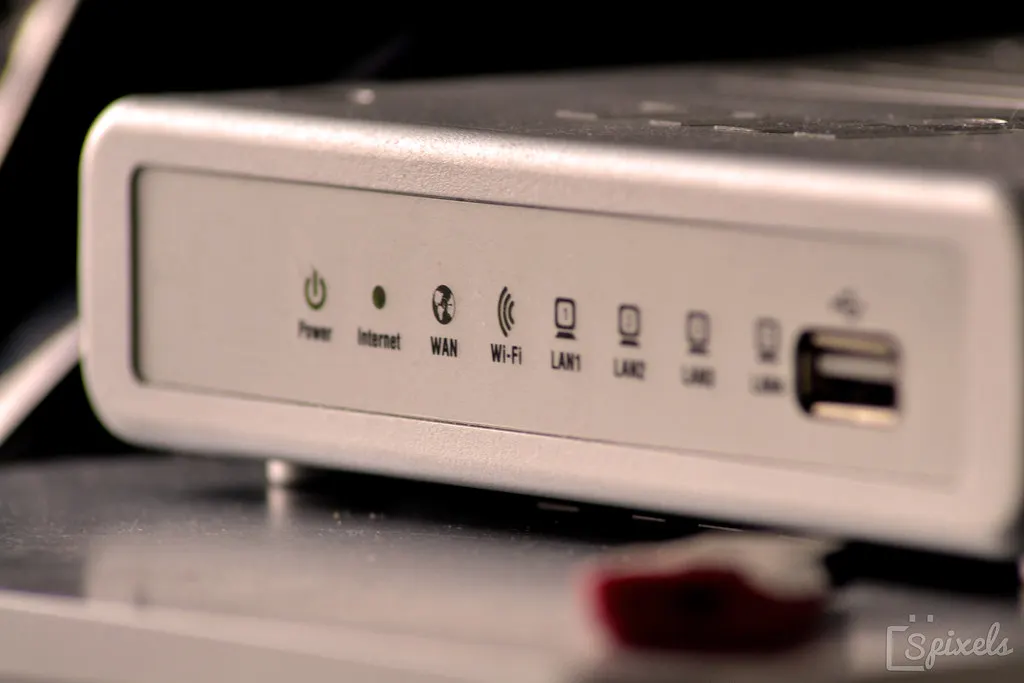
- Look at the gateway. It is installed near your electrical panel or meter, often inside a gray outdoor enclosure. Its indicator lights will tell you whether it has a network connection.
- Reconnect it to Wi-Fi if it does not. Enphase documents this step: reconnecting your gateway to Wi-Fi, and how to enable AP mode if you need to reach it directly.
- Then call Enphase. The gateway is their hardware and they will support it whoever installed it. That matters, because a great many installers from the 2015-2021 boom have since stopped trading.
Production history is the one thing you cannot reconstruct after the fact.
What the outage actually costs you
A short gap usually costs nothing. The gateway keeps recording while it is offline and back-fills when it reconnects.
A gap that never fills in is different: those readings are gone, and no app recovers them later.
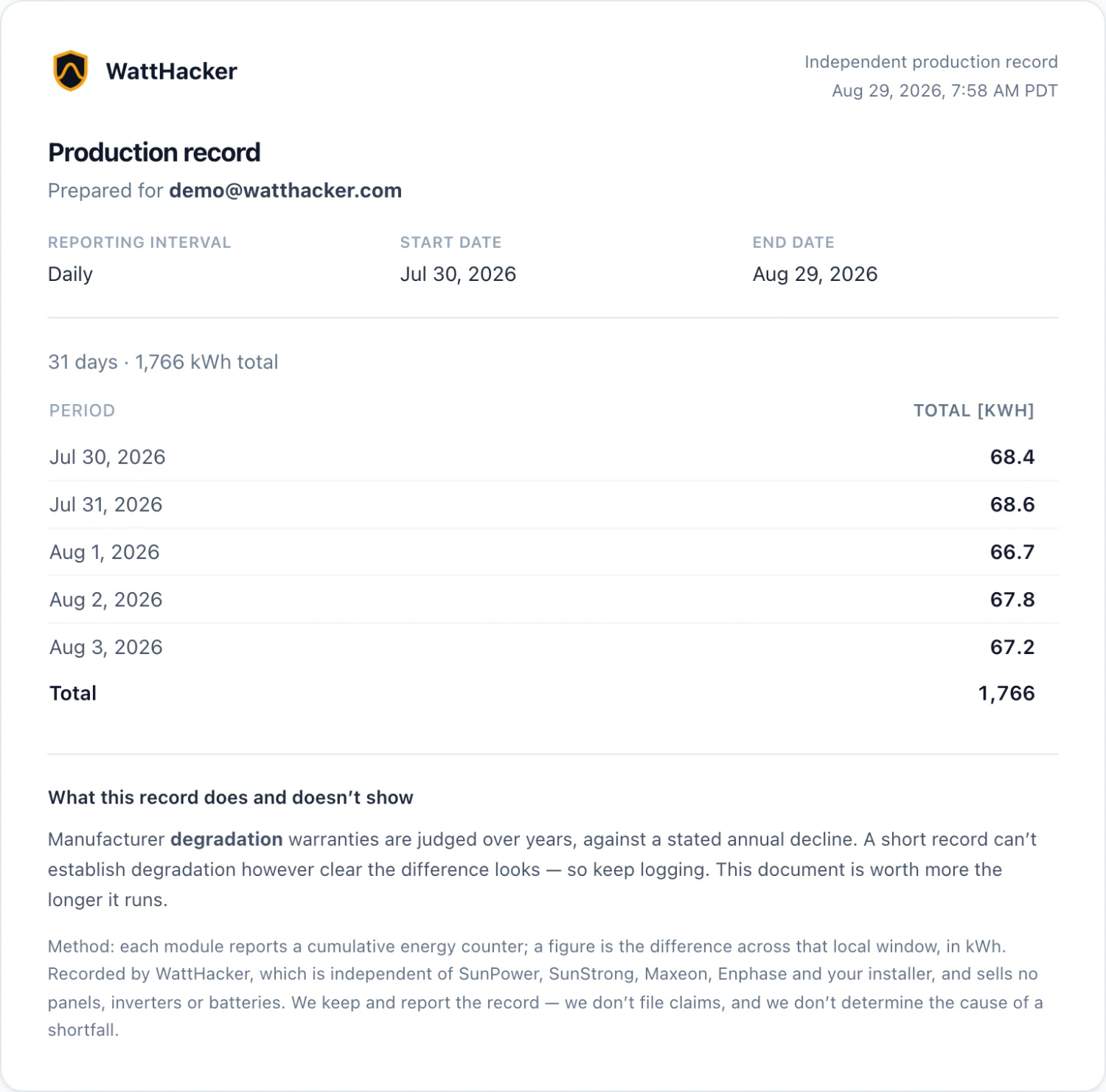
That matters more than it sounds. Production history is the evidence you need if you ever have to show an installer, an insurer, or a buyer that a panel has been underperforming. And it is the one thing you cannot reconstruct after the fact.
This is also the part worth being honest about: Enlighten tells you what your panels made. It does not tell you what they should have made.
A panel quietly running a fifth below its neighbors looks like a normal line on a normal chart, and it will keep looking normal for years.
Reading your own gateway
Your gateway already publishes its data on your own home network. That is not a workaround.
It is how any local monitor reads an Enphase system without depending on anyone's cloud staying up, and it is why an outage at Enphase does not have to be an outage for you.
Several free, open-source projects do exactly this, if you would rather build it yourself.
The WattHacker monitor is the same idea as a box you plug in: it reads the gateway you already own, on your own network, with no technician and no change to your solar hardware.
If Enlighten keeps going quiet
The WattHacker monitor reads the gateway you already own, on your own home network. You plug it in yourself — no technician, and nothing changes on your roof.
- The monitor is $50 once, with a 30-day money-back guarantee covering your whole first order.
- Enphase support is new — setup finds your gateway and connects to it today, and the analysis that compares what you made against what you should have made is being brought across from the SunPower side. See what it does for an Enphase system.
- Reads your gateway locally. Nothing we do depends on anyone's servers staying up — including ours.
Still have questions about your own system? I'll go through it with you — your panels, your bill, and what's worth doing about it.
Book a free callOwn an Enphase IQ Gateway or Envoy? See it for Enphase.
Real panels, real production.
Common questions
Is my solar still producing if the Enlighten app is down?
Almost certainly yes. Your microinverters convert and export power on their own; the app is a reporting layer on top. When Enlighten will not load, what has broken is the reporting path — Enphase's servers, your gateway's internet connection, or the app itself — not the hardware on your roof. The clearest confirmation is your meter: if it is still spinning backward on a sunny day, you are still producing.
Why does Enlighten show no data for the last few hours?
The most common cause is that your gateway has lost its internet connection. It keeps recording locally and back-fills once it reconnects, so a short gap usually fills itself in. A gap that never fills in is the one worth chasing — that is when the gateway was off the network long enough to lose the readings, and no app can recover them afterwards.
What should I check first?
In cost order: reload the app and sign in at enlighten.enphaseenergy.com in a browser (this separates an app problem from a system problem); check whether your home internet is up; then check the gateway itself, which sits near your electrical panel or meter, often in a gray outdoor enclosure. If its lights indicate no network, reconnecting it to Wi-Fi is the fix, and Enphase documents that step directly.
Should I call my installer?
Worth trying, and worth knowing it may not go anywhere. Many solar installers from the 2015-2021 boom are no longer trading, and a dead installer is a common reason owners end up troubleshooting their own gateway. Enphase support can help with the gateway and with Enlighten regardless of who installed it, because the hardware is theirs.
Can I see my production without the app?
Yes. Your gateway publishes the data on your own home network, which is how third-party monitors read it without going through anyone's cloud. That is the approach the WattHacker monitor takes. It is also the approach several free open-source projects take, if you would rather build it yourself.
See your own panels, live.
See plans Try the demo Back to home