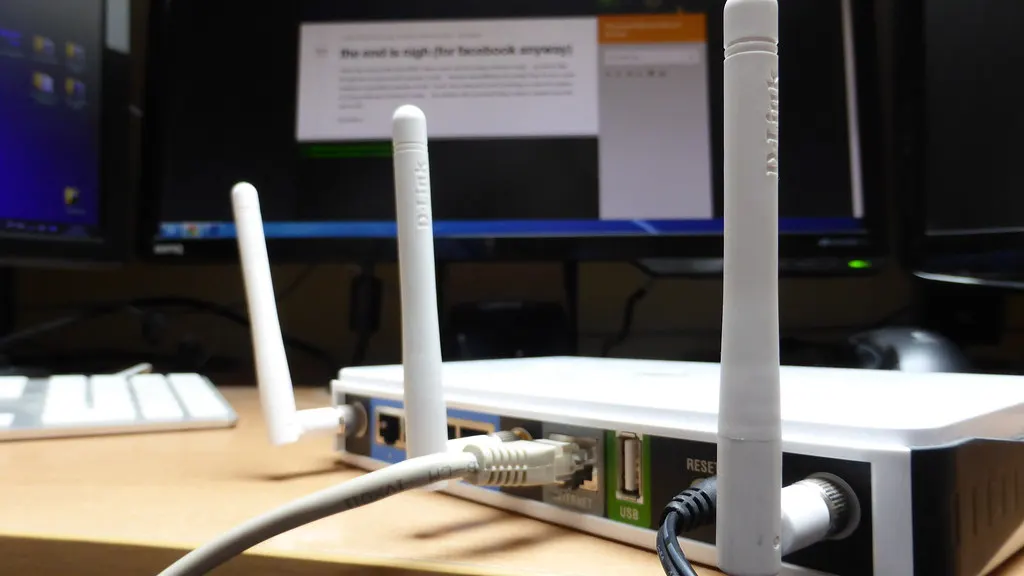
What it means
The SunPower box (the PVS5 or PVS6 near your electrical panel) collects every panel's data and sends it to SunStrong. The app only shows what arrives.
“Not communicating” means nothing is arriving. Your panels keep producing either way.
Why it happens
- Cellular ended in 2025. SunStrong switched it off. Boxes that reported over cellular went quiet unless they were moved to Wi-Fi or Ethernet.
- 2.4 GHz only. A new router, a changed Wi-Fi password, or a 5 GHz-only network leaves the box off the network.
- Distance. The box sits near the electrical panel, often far from the router.
- Older PVS2 boxes. SunStrong's March 2025 server change left them showing “bad communications.”
How to reconnect it, over Wi-Fi or a cable
- Check your router is on. New router or Wi-Fi password? The box needs reconnecting (step 2).
- Open SunStrong Connect, tap Profile, then WiFi Settings, and follow the steps. Pick a 2.4 GHz network.
- No signal at the box? Run an Ethernet cable, or use a power-line adapter or Wi-Fi extender.
- Still offline? Contact SunStrong. How to reach them.
Steps from SunStrong's Wi-Fi migration page, checked 17 November 2026.
The panels make power whether or not the box can report it.
See your panels without that link
Your SunPower box reads every panel itself, so SunStrong's servers aren't the only way to see them.
The WattHacker monitor plugs into the box and sends readings over your own Wi-Fi, so SunStrong's servers aren't involved. It also uses 2.4 GHz, so it needs a signal where the box is. Sunflower's phone app reads the box locally too.
Not sure the system is producing at all? Three checks you can do without any app.
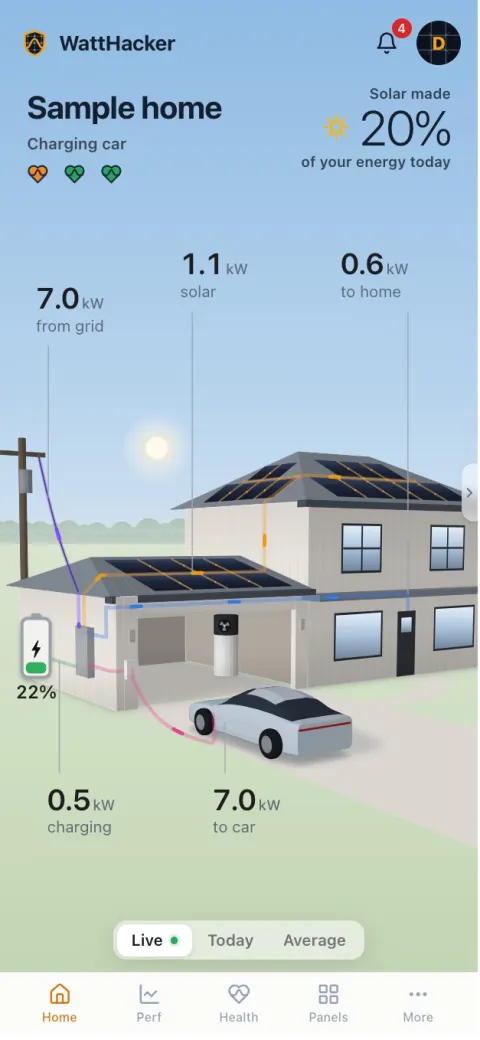
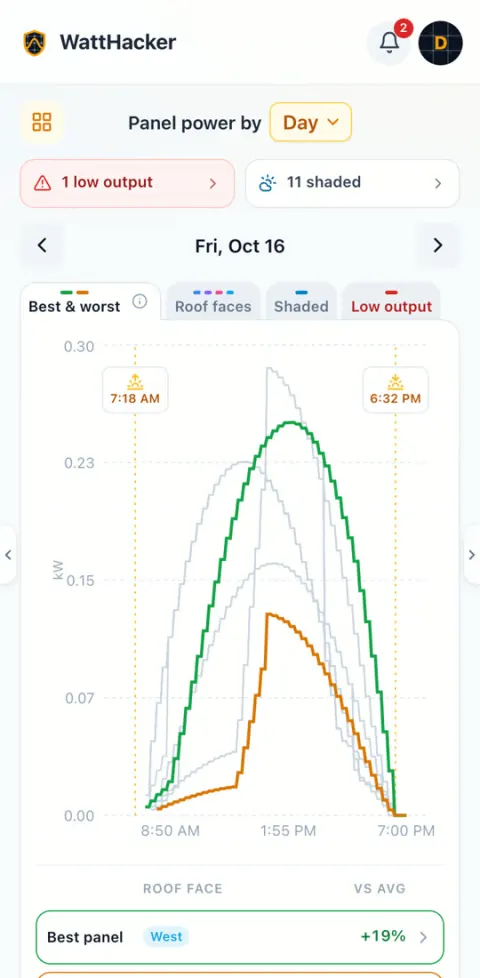
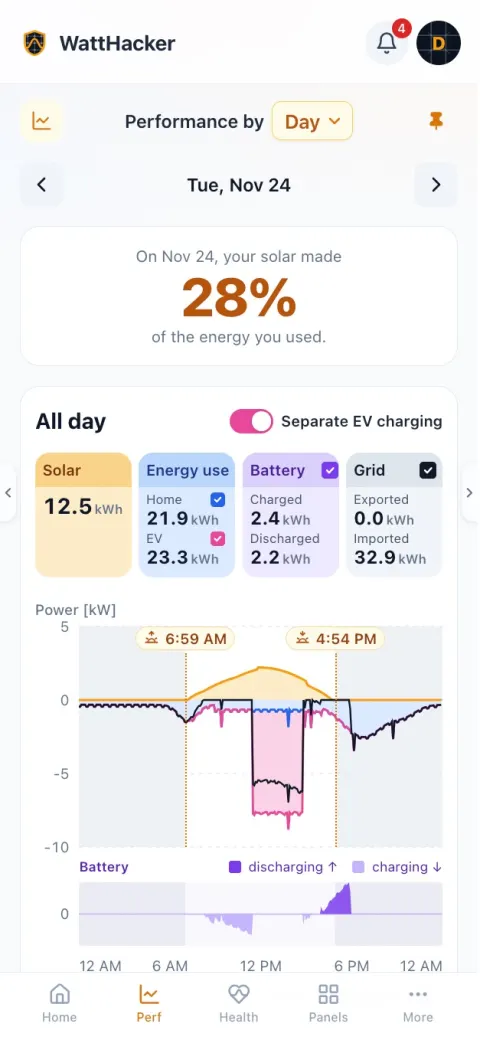
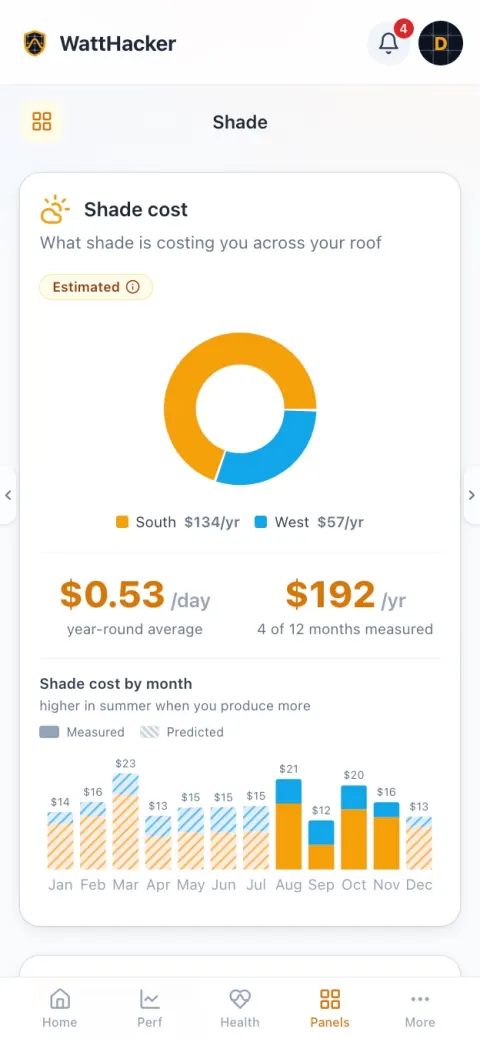
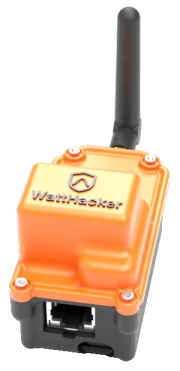
See every panel again.
- No subscription
- Alerts when a panel fails
- Plug it in yourself, no installer
$75 onceEvery panel, live
$199 oncePlus full history


Free app; monitor required. WattHacker is independent and not affiliated with SunPower, SunStrong, Maxeon, or Enphase.
Common questions
Why does my SunPower app say my system is not communicating?
The SunPower box near your electrical panel (the PVS) stopped reaching SunStrong's servers, so the app has nothing new to show. SunStrong ended cellular reporting in 2025, so a box that used it now needs your home Wi-Fi or an Ethernet cable.
Did my solar panels stop working?
Almost certainly not. The panels and microinverters make power whether or not the box can report it. On a sunny afternoon, a working system usually pushes your electric meter toward or past zero.
Does the SunPower box work on 5 GHz Wi-Fi?
No. SunStrong says Wi-Fi connections are supported only over 2.4 GHz. If your router broadcasts only 5 GHz, or a new router replaced the old one, the box can't join it.
Does SunPower monitoring still use cellular?
No. SunStrong deactivated the cellular connection in 2025. Boxes that relied on it need Wi-Fi or Ethernet to report.
How do I connect my SunPower PVS6 to Wi-Fi?
In the SunStrong Connect app, tap Profile, then WiFi Settings, and follow the steps. Pick a 2.4 GHz network.
Why won't my SunPower box connect to Wi-Fi?
A 5 GHz-only network, a weak signal at the box by your electrical panel, or a new router or password. SunStrong suggests an Ethernet cable, a power-line adapter, or a Wi-Fi extender.
 See every panel again SunPower, no subscription.
See your own panels, live.
See plans Try the demo Back to home