The test grid
Four identities, all from an ESP32-S3 on the gateway's own USB power:
| Identity, port | Result |
|---|---|
| CDC-ECM, USB2/LAN | Gateway is a DHCP client; API dropped |
| ASIX AX88772, USB2/LAN and USB3/WAN | Same |
| ASIX AX88772B, USB2/LAN | Same |
| ASIX AX88178, USB2/LAN | Same on a running gateway; worked once after a gateway power loss |
The AX88178 identity gave the same result on a PVS6 that has an Ethernet jack, while its jack kept serving data normally. That makes a jack model a safe bench: your readings ride the jack while you experiment on USB.
What we saw at the packet level
- The gateway enumerates the device in 2 to 6 seconds and opens it as a network interface.
- Right after opening it, the gateway sent
ARP who-has 172.27.153.114 tell 172.27.153.1. Then nothing more from that address on that attach. - After that, every frame is DHCP DISCOVER, IPv6 RS/NS or MLDv2 from the gateway, as a client. We sent 10 DISCOVERs over 30 s; it never offered a lease.
- ARP for
172.27.153.1: about 60 tries, no reply. - TCP on 80, 443, 8080, 8443 and 3128: silent. Dropped, not refused.
- The gateway's own variable
/net/wan1/state(described in SunStrong's public variable list as the USB dongle adapter) stayed N/A throughout, read over Wi-Fi.
Mistakes we made, so you skip them
- Inventing a subnet. We first ran our own DHCP server and polled the address we handed out. On the installer LAN the API is always at
172.27.153.1. - Calling it a firewall. An unanswered ARP means the installer LAN isn't on that port, not that packets are filtered.
- Re-enumerating. Any USB reset looks like an unplug to the gateway. If you ever get the LAN, never reset the device.
- Chasing the chip. Matching the approved chip didn't fix a running gateway. Our one success came after a power loss, with the AX88178 identity attached. An earlier power-up test with other identities failed, so we can't yet say which mattered.
What to do instead
- Put the gateway on your home Wi-Fi: see PVS6 with no Ethernet port.
- Or fit a real approved adapter with the power off: see which USB Ethernet adapter works.
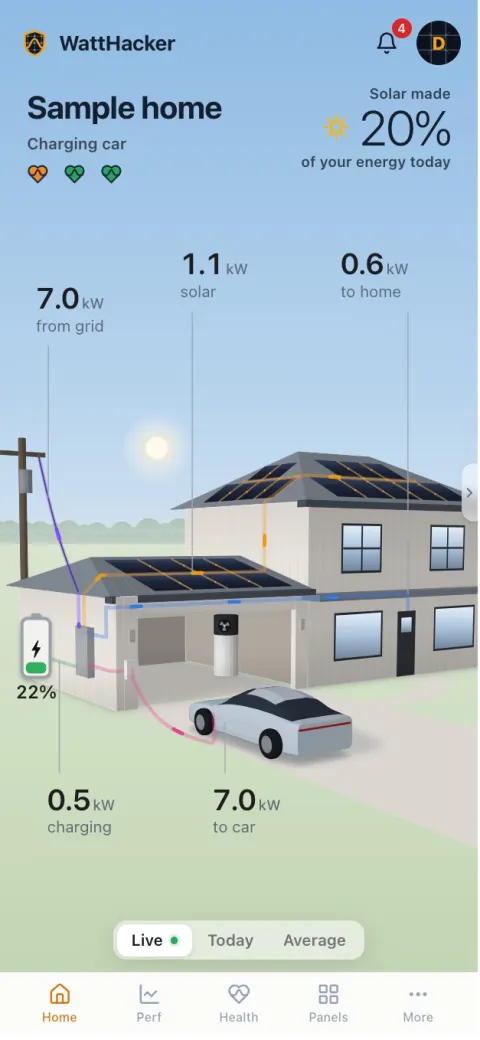
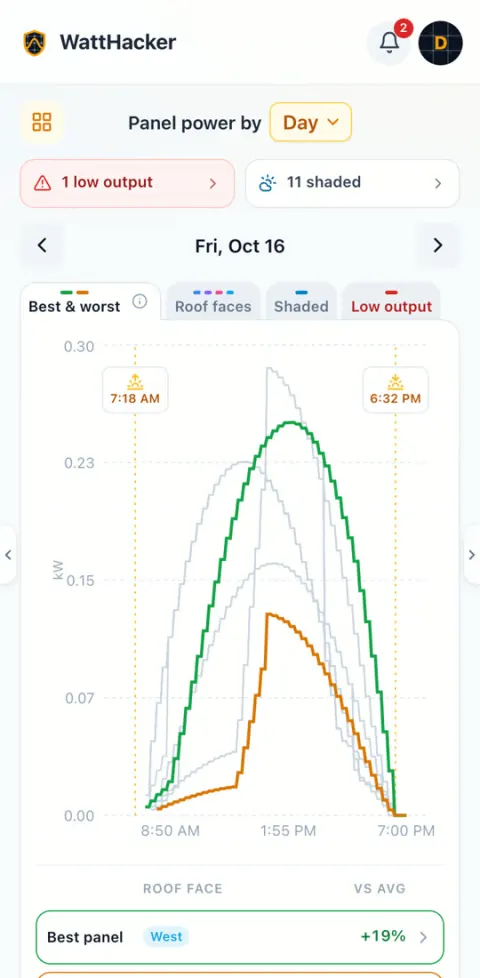
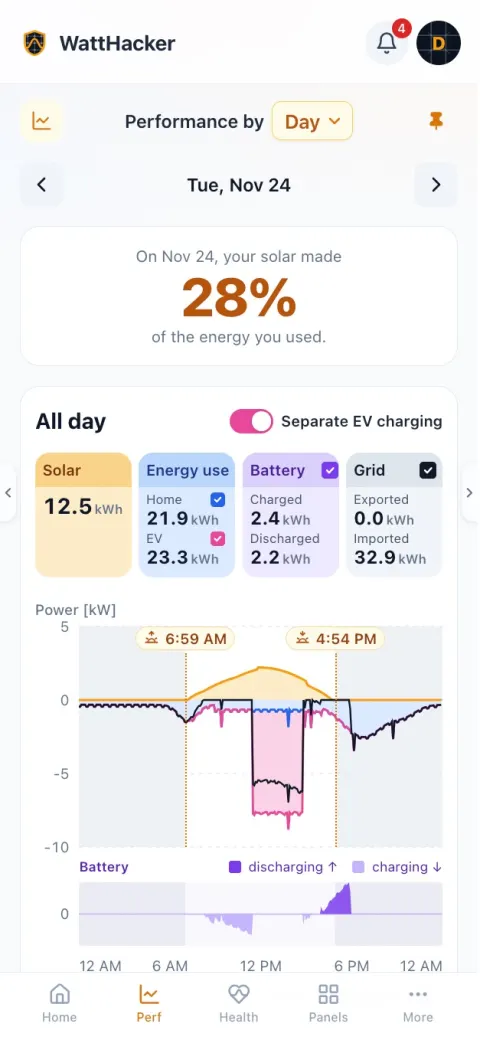
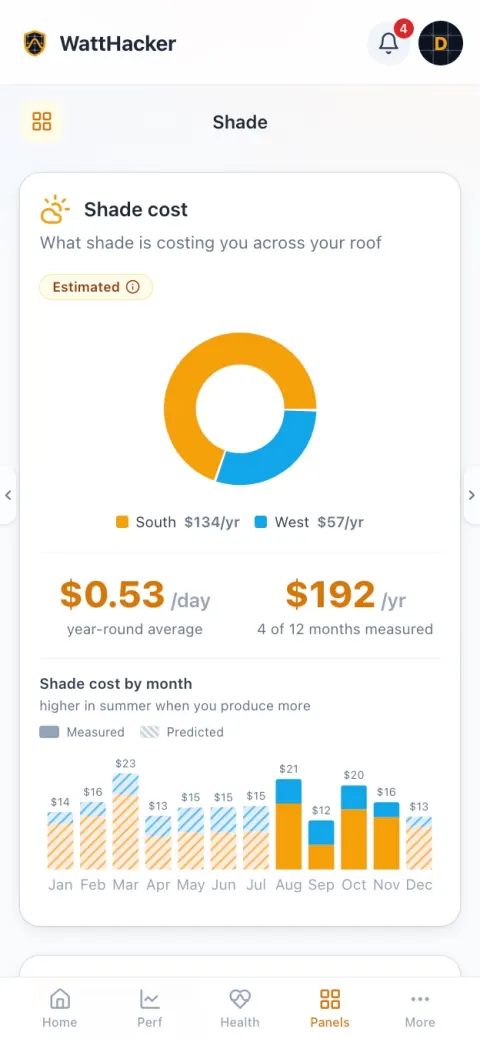
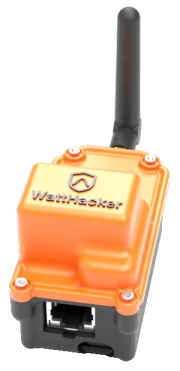
See every panel again.
- No subscription
- Alerts when a panel fails
- Plug it in yourself, no installer
$75 onceEvery panel, live
$199 oncePlus full history


Free app; monitor required. WattHacker is independent and not affiliated with SunPower, SunStrong, Maxeon, or Enphase.
Common questions
Why does the PVS6 send DHCP DISCOVER on its USB port?
Because it has classed the USB network device as an uplink. In our tests a device that appeared on a running gateway always got this treatment: the gateway sent DHCP DISCOVER and IPv6 router solicitations from that interface, as a client, and never ran its DHCP server there.
Does it matter which USB chip I emulate?
Not in our tests. CDC-ECM, AX88772, AX88772B and AX88178 identities all got the same result on a running gateway. The gateway enumerated each in 2 to 6 seconds and opened it as a network interface.
Can I reach the PVS6 API over IPv6 on the USB link?
No. Over IPv6 on the emulated USB link, ports 80, 443, 8080, 8443 and 3128 were silently dropped, the same as over IPv4.
What if I serve the gateway a DHCP lease myself?
It takes it. Then it drops every TCP connection to that address on every port we tried. Whatever it does with that port, the local API isn't on it.
Did emulation ever work?
Once. A power loss restarted the gateway with our device already attached. The gateway answered ARP at 172.27.153.1 and served the full device list over TLS on 443, 36 panels. When our device rebooted for an update and re-enumerated, the gateway went back to treating it as an uplink.
 See every panel again SunPower, no subscription.
See your own panels, live.
See plans Try the demo Back to home