How to cancel
Premium keeps working until your billing period ends.
- Open SunStrong Connect and go to the subscription page.
- Tap Cancel. Or send SunStrong a support request.
Refunds
- Monthly: generally none.
- Annual: a prorated refund may be given within the first 30 days.
- Software problems: case by case.
Leasing? You shouldn't be paying at all: SunStrong's policy gives lease customers full monitoring at no extra cost.
What you keep and what you lose
| After canceling | |
|---|---|
| Live power | Kept |
| Wi-Fi settings and firmware updates | Kept |
| History | Lost |
| Panel-level monitoring | Lost |
| Analytics and monthly reports | Lost |
The policy doesn't say whether your history is deleted or returns if you resubscribe. If it matters, ask SunStrong first.
From SunStrong's subscription policy, checked 16 November 2026.
Canceling changes what you can see, not what the roof makes.
Keep seeing every panel
Your SunPower box reads every panel itself, so SunStrong's servers aren't the only way to see them.
- Sunflower: a phone app, $1.99/mo or $12/yr; it logs history only with its $49.99 Bridge box (checked November 18, 2026; not affiliated with us).
- Open-source software: free, if you're technical and will maintain it.
- The WattHacker monitor: $75 once, every panel live, no subscription. Gigawatt ($199 once) adds full history.
Each starts its history the day it's connected. None can bring back what SunStrong holds.
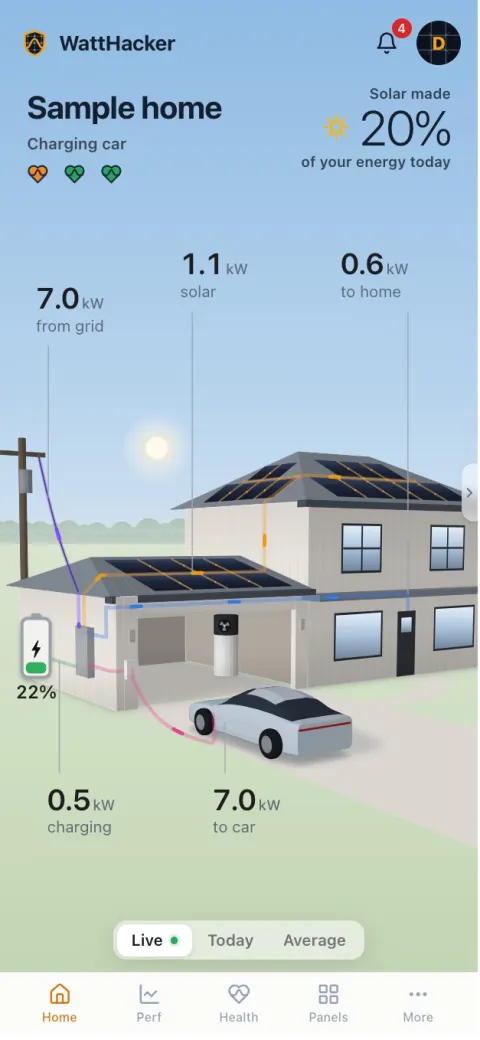
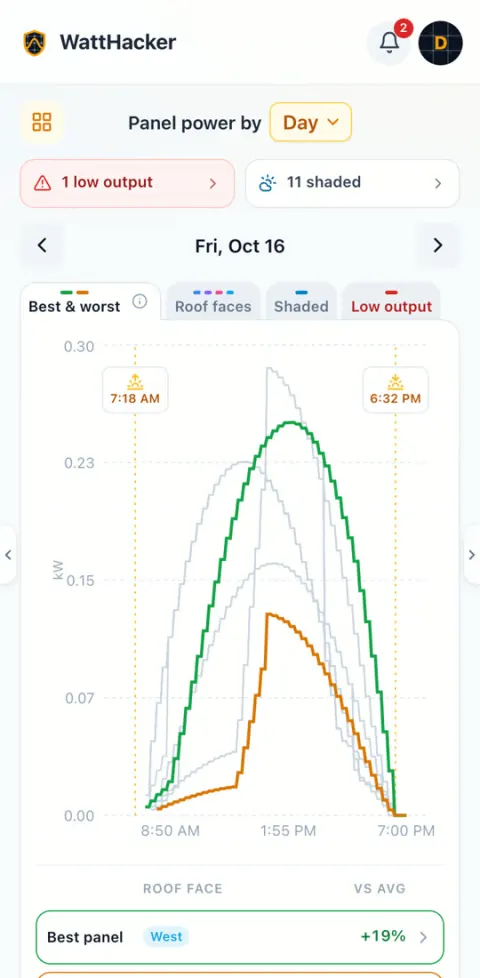
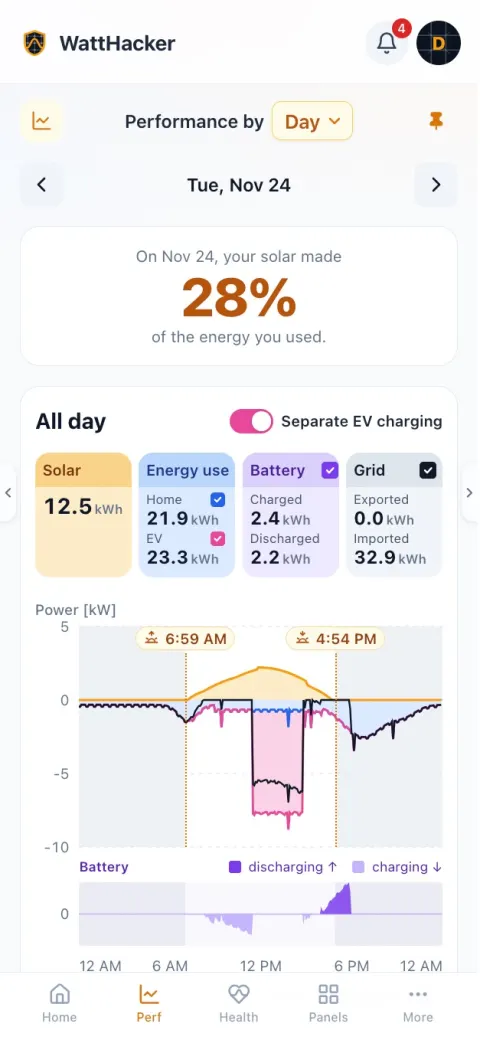
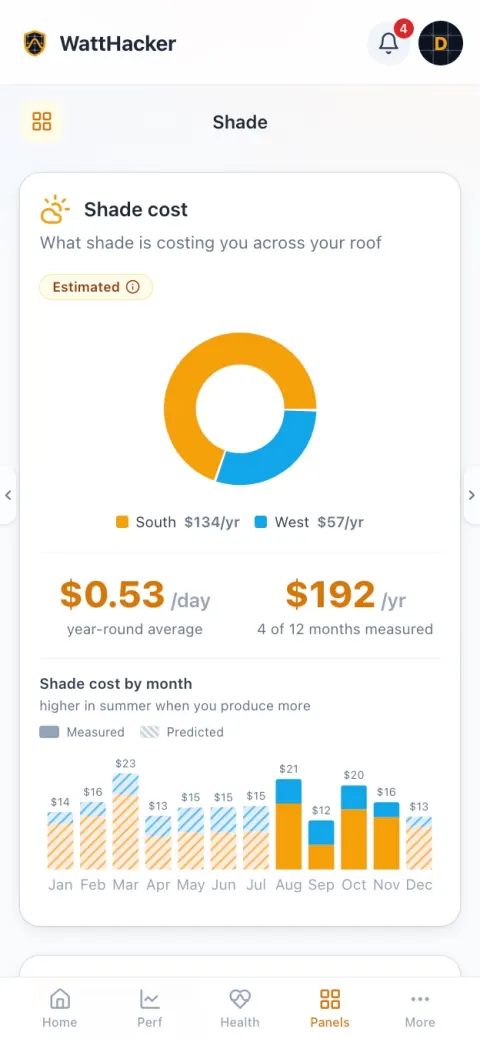
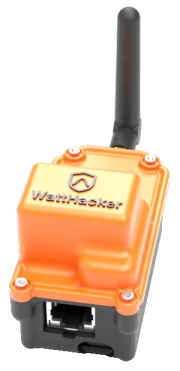
See every panel again.
- No subscription
- Alerts when a panel fails
- Plug it in yourself, no installer
$75 onceEvery panel, live
$199 oncePlus full history


Free app; monitor required. WattHacker is independent and not affiliated with SunPower, SunStrong, Maxeon, or Enphase.
Common questions
How do I cancel my SunStrong subscription?
Use the cancel button on the subscription page in the SunStrong Connect app, or submit a support request. The cancellation takes effect at the end of your current billing period.
Will SunStrong refund my subscription?
Monthly plans generally aren't refunded. An annual plan may get a prorated refund if you cancel within the first 30 days. Software problems are handled case by case. Refunds go to the original payment method in 5 to 7 business days.
What do I lose if I cancel SunStrong Premium?
Historical data, analytics, panel-level monitoring, and monthly reports. You keep real-time system monitoring, Wi-Fi management, and firmware updates.
Is my history deleted when I cancel?
SunStrong's policy says you lose access to it. It doesn't say whether the data is deleted or comes back if you subscribe again, so ask SunStrong before you cancel if that matters to you.
I lease my panels. Should I be paying for Premium?
No. SunStrong's policy says lease customers get full monitoring access at no additional cost. If you lease and you're being charged, raise it with SunStrong.
 See every panel again SunPower, no subscription.
See your own panels, live.
See plans Try the demo Back to home