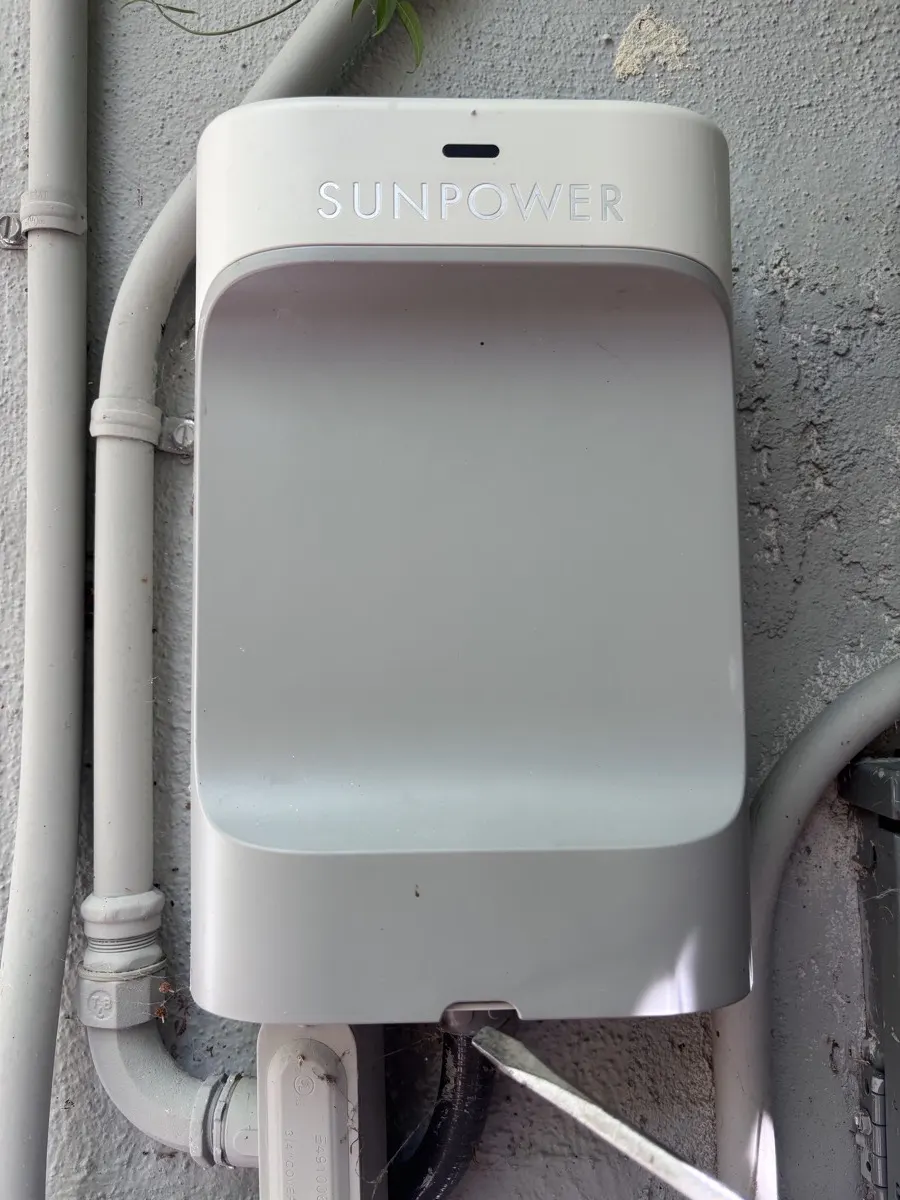
What each color means
From SunPower's guide to gateways with a single light:
| Light | Meaning |
|---|---|
| Off | No power. Check its breaker |
| Dark green, steady | Normal |
| Light green | Starting up |
| Cyan | Updating software. Leave it on |
| Amber | Error |
Older gateways with several lights use a different scheme: a blue Power light, and red on Inverter, Device, Cellular, or Internet when that link has a fault. A red Inverter light means the gateway isn't getting data from one or more panels.
Reset it safely
SunStrong's steps:
- In the main electrical panel, switch off the solar and monitoring breakers. The PVS6's may be labeled PVS, PV Supervisor, or Solar Shutoff.
- Wait about 5 minutes.
- Switch them back on and look for a green light.
- Give the app 15 minutes to reconnect. Still nothing after 24 hours? SunStrong asks owners to email its app support.
What we've seen after a restart: panel power reads 0 for 10 to 15 minutes while the micros reconnect. That's normal.
The PVS6's box carries a hazardous-voltage warning. Use the breaker, never the wires inside.
Green light, no data
The light says the gateway is on. It doesn't say the gateway is reading the roof.
We've seen a PVS6 hang for days with a normal light. It still answered on the network; it had stopped collecting from the panels. The only fix was a power cycle.
So if the app is blank and the light is green, reset it anyway.
Symptoms and fixes
| Symptom | Try |
|---|---|
| No light | PVS6 breaker. On but still dark: off 5 minutes, on again. Still dark: a service visit |
| Amber that won't clear | Reset once. Still amber: a service visit |
| Green, app says offline | Wi-Fi: the PVS6 joins 2.4 GHz only. See below |
| Green, some panels missing | Their branch breaker; then the device list |
| Green, every panel blank | A hung gateway. Reset it |
Offline in the app: SunPower not communicating or not on Wi-Fi. Missing panels: SunPower microinverters not reporting.
The ports, for techs
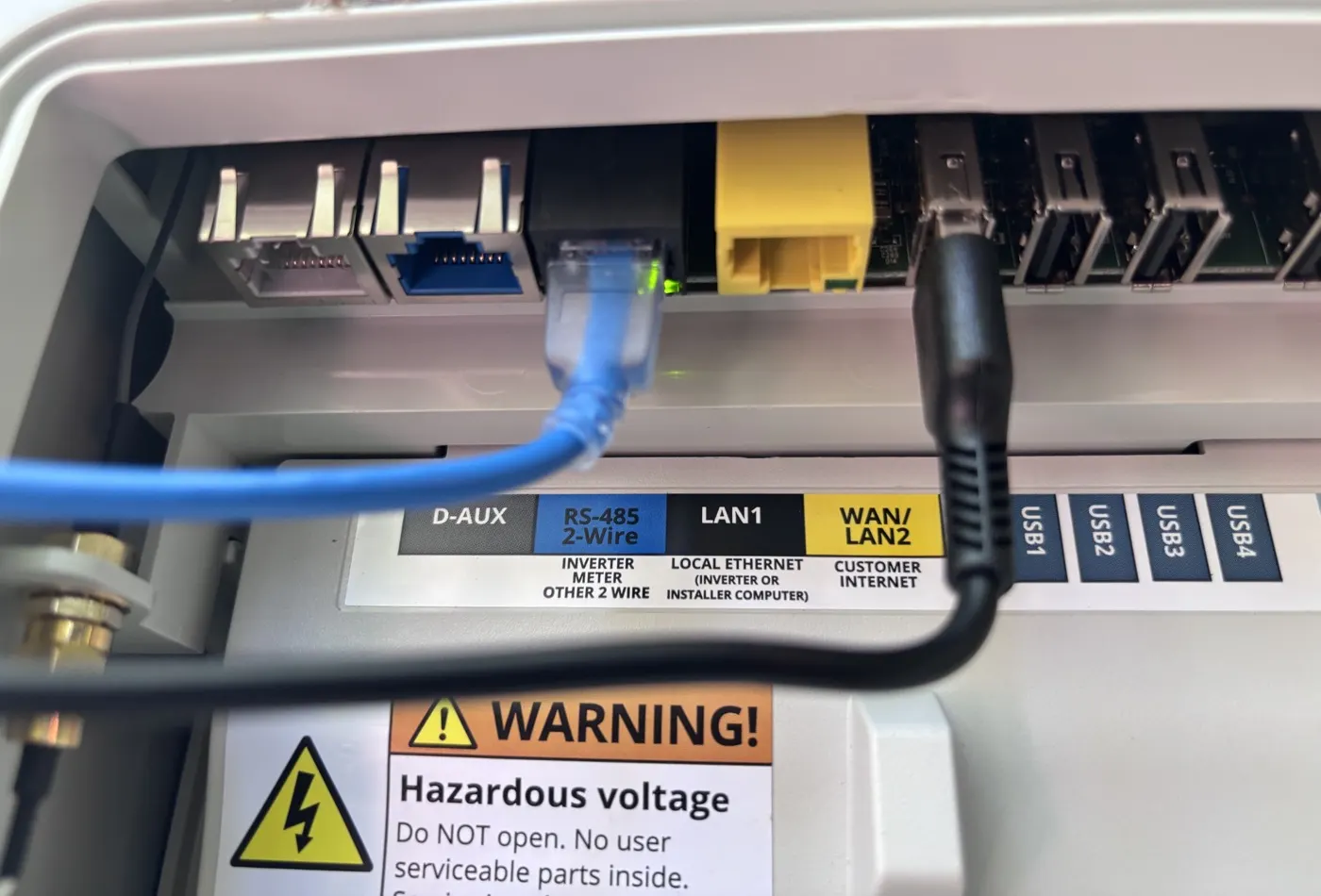
Inside the cover, SunPower's manual assigns LAN1 to a laptop or installer computer and LAN2 (WAN) to the home router. The RS-485 jack is a serial bus for inverters and meters, not a network port. Newer PVS6s drop the Ethernet jacks and use USB adapters instead.
Reading every panel from LAN1: panel-level data on a system you didn't install.
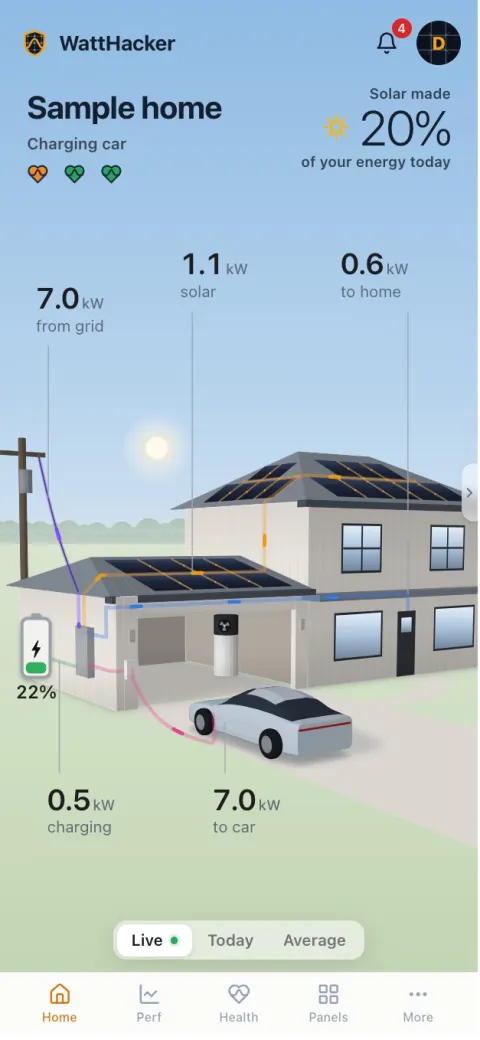
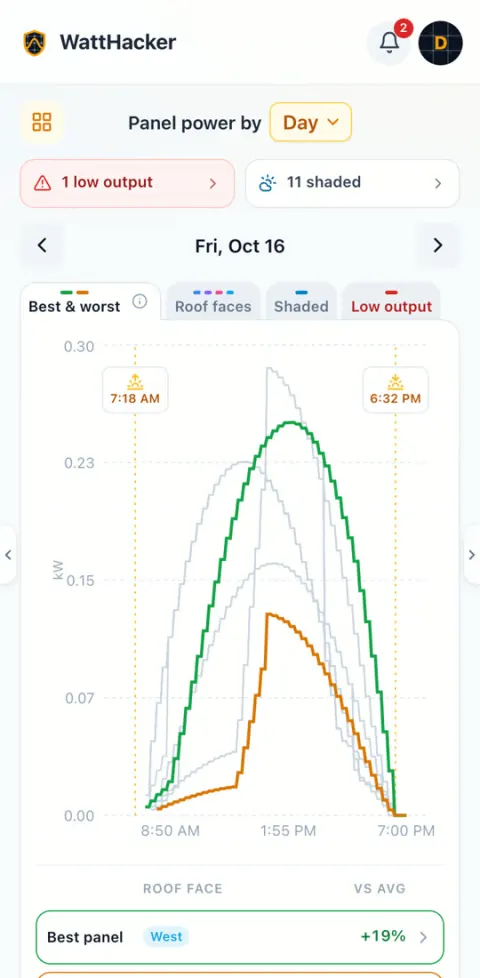
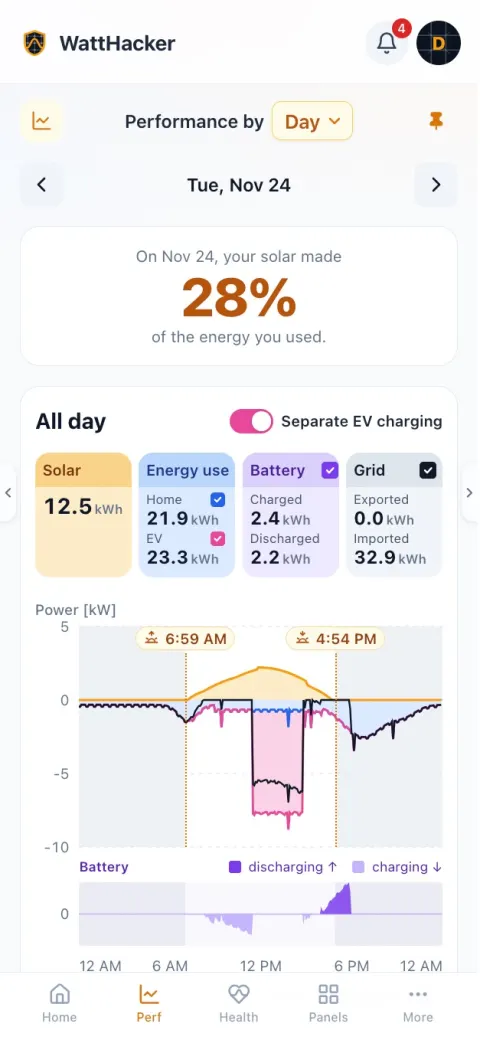
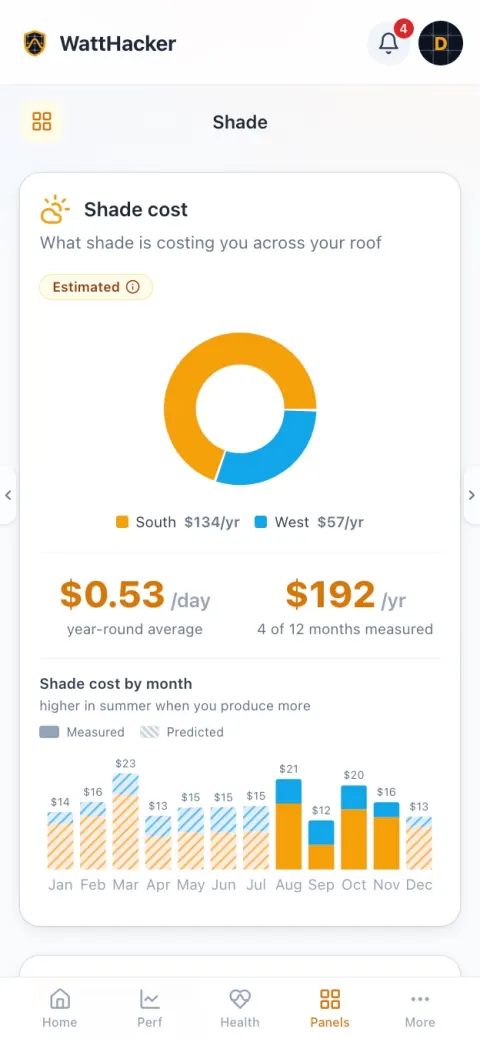
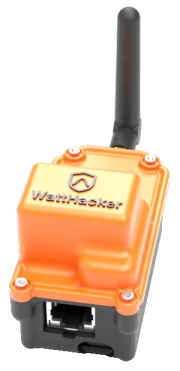
See every panel again.
- No subscription
- Alerts when a panel fails
- Plug it in yourself, no installer
$75 onceEvery panel, live
$199 oncePlus full history


Free app; monitor required. WattHacker is independent and not affiliated with SunPower, SunStrong, Maxeon, or Enphase.
Common questions
What does an amber light on a SunPower PVS6 mean?
An error, according to SunPower's LED guide. Reset it at the breaker first. If it stays amber, the gateway needs a service visit.
What does a cyan light on the PVS6 mean?
A software update is underway. Leave the power on until it goes back to green.
How do I reset a SunPower PVS6?
SunStrong's guide: switch off the solar and monitoring breakers in the main panel for about 5 minutes, switch them back on, and look for a green light. Give monitoring 15 minutes to reconnect.
The PVS6 light is green but the app shows no panels. Why?
The light shows the gateway is running, not that it's collecting from the roof. A PVS6 can hang while looking normal. A power cycle at the breaker clears it.
Does the PVS6 work on 5 GHz Wi-Fi?
No. SunStrong says the gateway's Wi-Fi is only supported on 2.4 GHz.
 See every panel again SunPower, no subscription.
See your own panels, live.
See plans Try the demo Back to home