Which one fits
| If you want… | Use |
|---|---|
| Per-panel health alerts and SunVault control | Enhanced SunPower |
| SunStrong's own code | SunStrong pvs-hass |
| No integration to install or update | A monitor over MQTT |
| To keep a PVS6 with an Ethernet jack off your Wi-Fi | A monitor over MQTT |
Already on krbaker's original integration? Its last release was August 16, 2025, and Enhanced SunPower documents how to migrate with your history.
The four routes
- Enhanced SunPower: community integration in the HACS default store. Per-inverter health alerts, SunVault control. Latest release November 14, 2026. GitHub
- SunStrong pvs-hass: SunStrong's own integration, firmware 61839 or later, a HACS custom repository. Latest release November 12, 2026. GitHub
- krbaker hass-sunpower: the original, built for the gateway's installer Ethernet port, not your home network. Last release August 16, 2025. GitHub
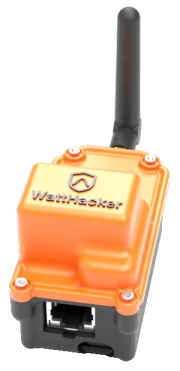
- WattHacker monitor: a box that plugs into the gateway and publishes every panel to your MQTT broker. $75 once.
Setting up an integration
For Enhanced SunPower or pvs-hass, in order:
- Put the PVS6 on your network. Its Wi-Fi is 2.4 GHz only. Reserve its address in your router.
- Install HACS, then the integration: search "Enhanced SunPower", or add
SunStrong-Management/pvs-hassas a custom repository. - Add the integration and enter the gateway's IP address. If asked for a password, it's the last five characters of the PVS serial number.
- Add the panels to the Energy dashboard from each inverter's lifetime energy sensor.
No Ethernet jack on your PVS6, or a 403? See PVS6 with no Ethernet port and PVS6 403 unauthorized.
Using a monitor over MQTT
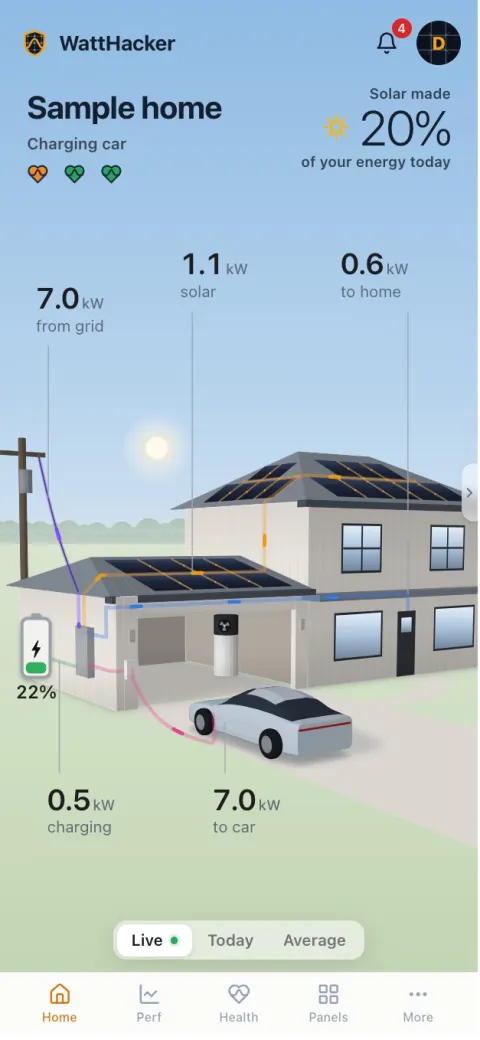
The WattHacker monitor plugs into the SunPower gateway, reads it, and publishes to an MQTT broker, such as Home Assistant's Mosquitto add-on. Home Assistant discovers it on its own: no YAML, no integration to update.
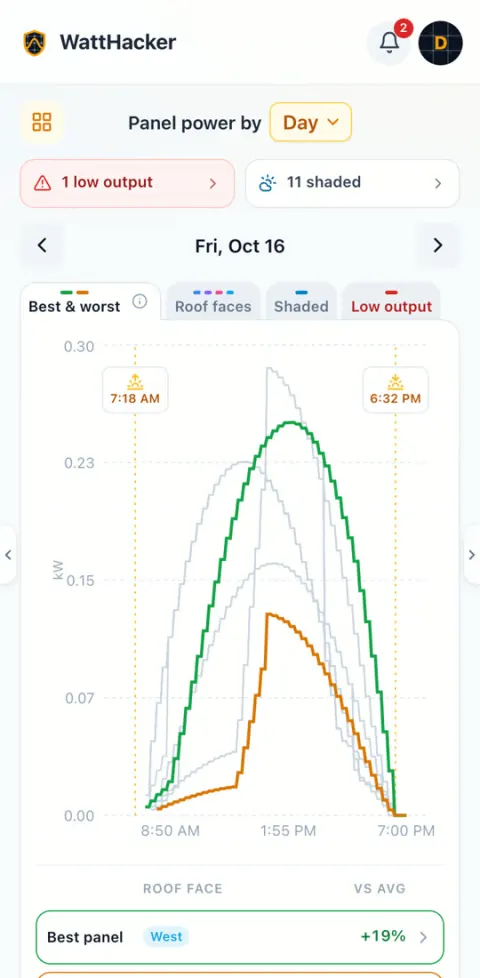
- Every panel: power (W) and lifetime energy (kWh).
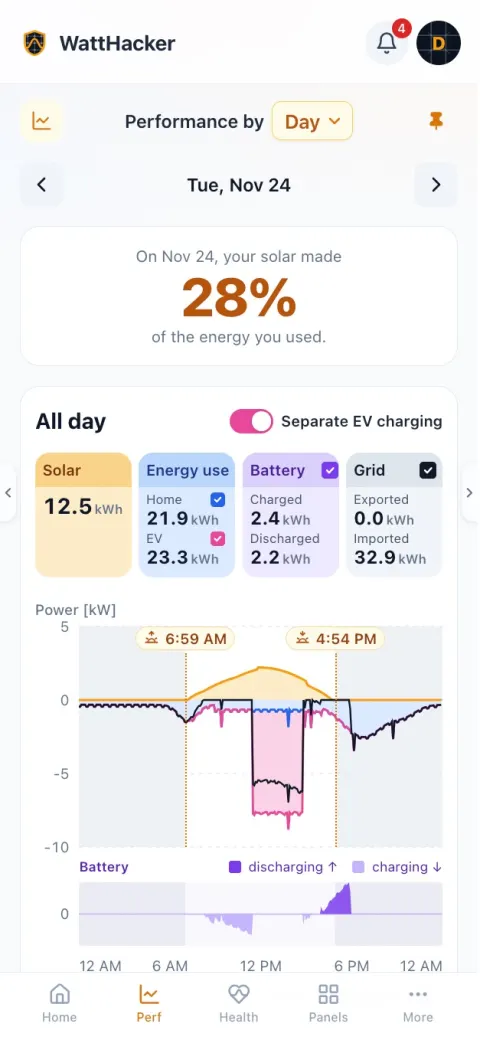
- The system: solar power and energy, plus grid power and energy in and out where your system has a consumption meter.
- No stale numbers: a power reading older than 20 minutes shows as unavailable, never as now.
- Setup: in the WattHacker app, Settings → Connections → Home Assistant. Enter your broker's address, port, username and password. It connects within about 5 minutes.
It's plain MQTT on your home network, without TLS. A PVS6 with no Ethernet jack still needs to be on your home Wi-Fi for the monitor to read it.
See every panel again.
- No subscription
- Alerts when a panel fails
- Plug it in yourself, no installer
$75 onceEvery panel, live
$199 oncePlus full history


Free app; monitor required. WattHacker is independent and not affiliated with SunPower, SunStrong, Maxeon, or Enphase.
Common questions
How do I get SunPower data into Home Assistant?
Put the PVS6 on your home network, then install an integration through HACS: Enhanced SunPower (ha-esunpower) or SunStrong's pvs-hass. Enter the gateway's IP address, and the last five characters of its serial number if asked for a password. Or use a plug-in monitor that publishes to Home Assistant over MQTT.
Is there an official SunPower Home Assistant integration?
SunStrong Management, which now runs SunPower's monitoring, publishes one: pvs-hass on GitHub. It needs PVS firmware 61839 or later and the gateway on your network over Wi-Fi or Ethernet. It installs as a HACS custom repository; its latest release was November 12, 2026.
Which SunPower Home Assistant integration should I use?
On current firmware, Enhanced SunPower or SunStrong's pvs-hass. Enhanced SunPower is in the HACS default store and adds per-inverter health alerts and SunVault control. The original krbaker integration's last release was August 16, 2025, and Enhanced SunPower's README says it doesn't support the new firmware.
How often does the PVS6 update panel data?
About every 15 minutes for each microinverter, on the gateways we monitor. SunStrong's integration docs say about 5.
Do I need the PVS6 on Wi-Fi to use Home Assistant?
For the integrations, the gateway must be reachable from Home Assistant, usually on your Wi-Fi. A plug-in monitor can read a PVS6 that has an Ethernet jack over its own port instead. A PVS6 with no Ethernet jack needs to be on your home Wi-Fi either way.
 See every panel again SunPower, no subscription.
See your own panels, live.
See plans Try the demo Back to home