The path, step by step
Five steps, in order:
- Reach the gateway.
172.27.153.1on its LAN, or its home-Wi-Fi address. - Check for a login route.
GET https://<gateway>/auth?login. A 404 means an older build with no login; skip to step 4. - Log in. Same URL, HTTP Basic auth: user
ssm_owner, password the last five characters of the serial. Keep the cookie. - Read the list.
GET https://<gateway>/cgi-bin/dl_cgi/devices/listwith the cookie. - Pick out the panels. Rows with
DEVICE_TYPEInverter. Each has its ownSERIAL,MODEL,STATEandDATATIME.
The same, as commands:
GW=https://172.27.153.1
L=cgi-bin/dl_cgi/devices/list
curl -k -c jar \
  -u ssm_owner:LAST5 \
  "$GW/auth?login"
curl -k -b jar "$GW/$L"
A 403 on step 4 means the session expired: log in again, once. A second 403 is the wrong five characters. More: the PVS6 local login.
If you can't reach it at all
- No jack on your PVS6? See PVS6 with no Ethernet port.
- Using a USB adapter? See which one works. USB 3.0 gigabit adapters failed for us.
- Building your own USB gadget? See our emulation results first.
After the first reading
Getting one reading is an afternoon. Keeping a year of them right is the work: duplicate frames, frozen readings after dusk, gateway reboots that reset its clock, and outages to backfill.
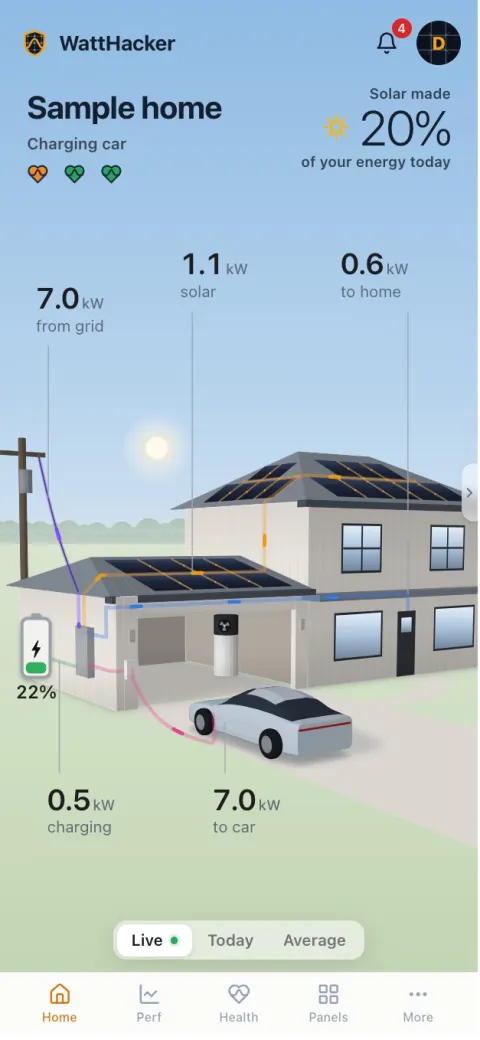
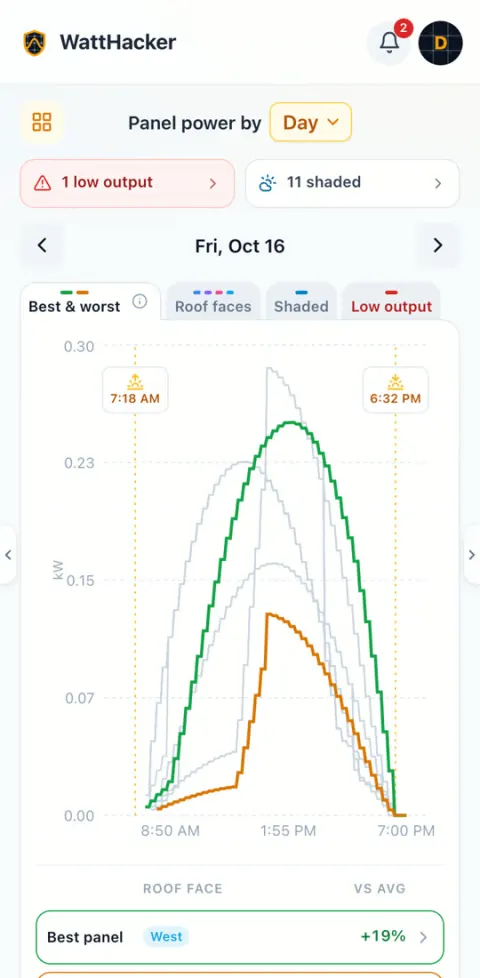
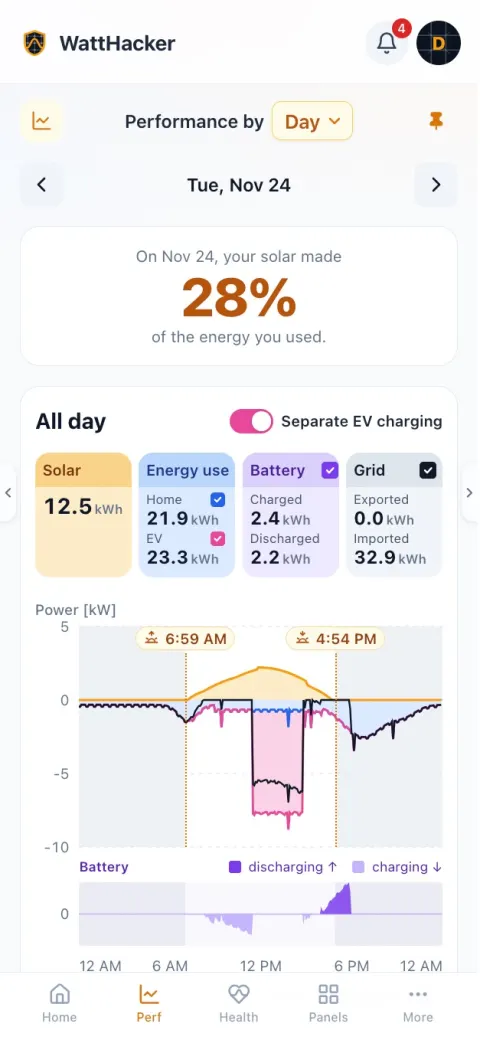
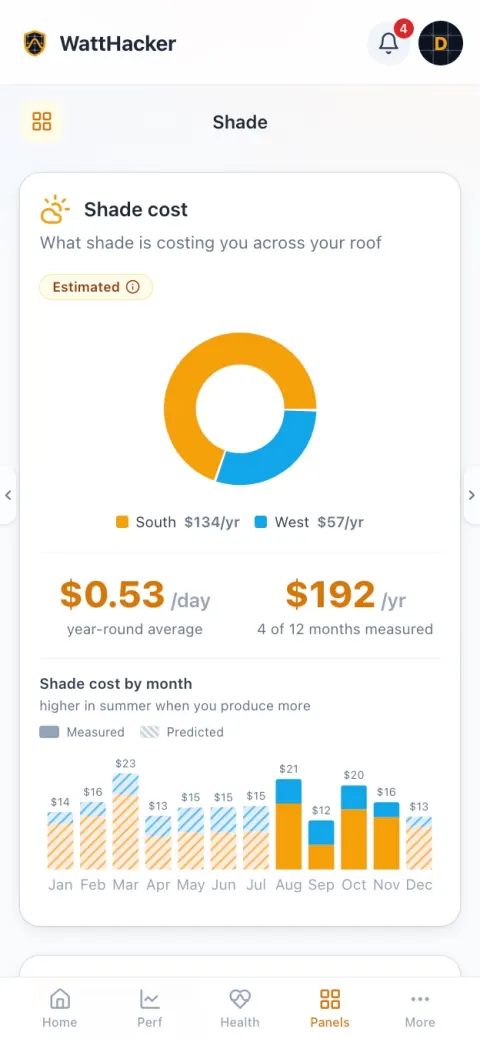
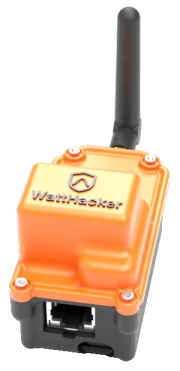
See every panel again.
- No subscription
- Alerts when a panel fails
- Plug it in yourself, no installer
$75 onceEvery panel, live
$199 oncePlus full history


Free app; monitor required. WattHacker is independent and not affiliated with SunPower, SunStrong, Maxeon, or Enphase.
Common questions
Why do I only see SWVER and HWVER from my PVS6?
Those describe the gateway itself. The panels are separate rows in dl_cgi/devices/list with DEVICE_TYPE Inverter, and on 2025 firmware you need the /auth?login session cookie first.
What are the PVS6 login credentials?
Username ssm_owner. Password: the last five characters of the gateway's serial number, from the label inside its door. Send them as HTTP Basic auth over HTTPS to /auth?login. The certificate is self-signed.
Which address do I use?
172.27.153.1 if you're on its installer LAN (the LAN1 jack, or an approved USB adapter in USB2/LAN). If the gateway is on your home Wi-Fi, use the address your router gave it.
My PVS6 has no Ethernet jack. What's the lasting way in?
Two routes: the home Wi-Fi, or an approved USB 2.0 adapter in USB2/LAN, fitted with the power off.
devices/list is slow. Is that normal?
Yes. A full read took about 11 seconds on our hardware. Use a long read timeout.
 See every panel again SunPower, no subscription.
See your own panels, live.
See plans Try the demo Back to home