Is it down for everyone?
SunStrong has no public status page. The best check is the newest reviews of SunStrong Connect in the App Store. When it's down for everyone, several owners post the same day.
We publish ours: WattHacker status.
The days with the most problem reports among the 50 newest reviews:
- November 14, 2026: seven reviews, most about sign-in failing: "Not working at all. Cannot log in and no contact."
- October 28, 2026: three reviews. One owner: since version 1.1.17 on October 23, "the app has not generated any reports."
- October 11, 2026: three reviews. "Constantly says it has a connection error, then stops updating power generation."
- September 8, 2026: five reviews. One owner was told to log out and back in after an update, then couldn't log in.
Most recent: on November 18, two owners said their data had stopped updating. These are owners' reports, not SunStrong's. The app holds 1.3 stars on Google Play. Of its 50 newest App Store reviews (July 13 to November 19, 2026), 38 give one star.
Fix it by what you see
- Can't log in. Tap Forgot Password on the login screen. No email? You may have signed up with a different address. Paying a bill? That's a different login: which one you need.
- Logged out every few days. Owners report it in November 2026. There's no fix on your side.
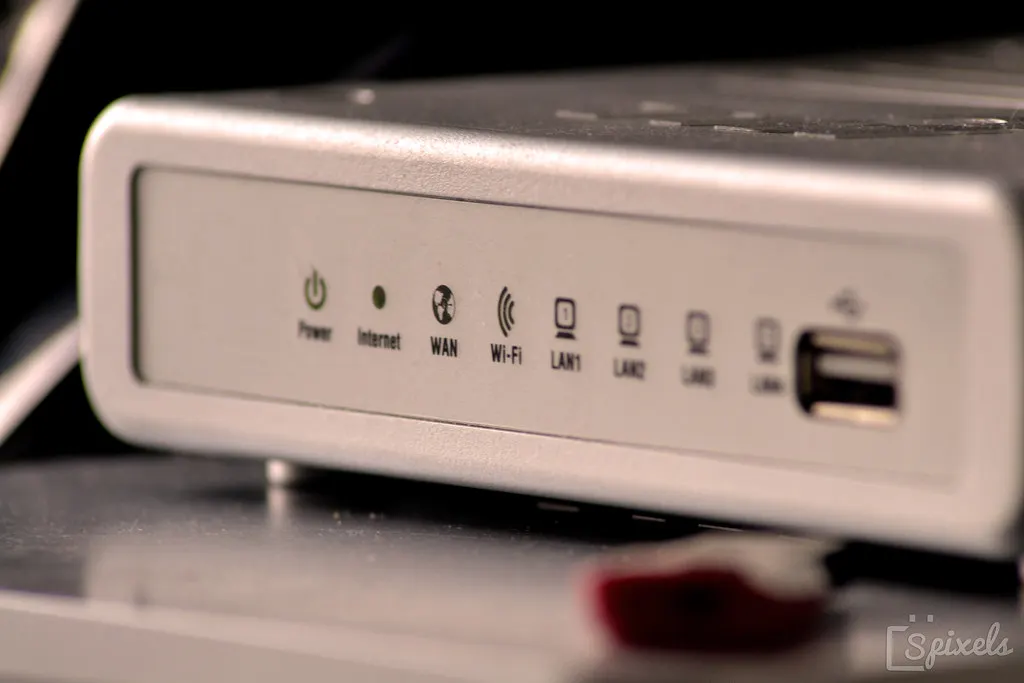
- "Communication Down", "Cellular", or "Unknown". The SunPower box near your electrical panel lost its link. Reconnect it in the app: Profile, then WiFi Settings. Step by step.
- Won't join Wi-Fi. It only joins 2.4 GHz. Still no? SunStrong says use an Ethernet cable.
- Asks for a Site ID. SunStrong doesn't say what it is or where to find it. Ask them, or your installer.
- No history or panel view. That's Premium, $9.99/mo. What it costs.
- Consumption (home usage) never shows. Usage needs sensors (CT clamps) fitted at installation. Many systems never had them. Showed before, then stopped? Start with "Communication Down" above.
Still stuck? Use SunStrong's customer service form. We found no phone line for the app. If they don't answer.
Are your panels OK?
Almost certainly. The panels don't need the app. Two checks:
- The SunPower box has lights on. No lights? Check its breaker. If it's dead.
- Your meter on a sunny afternoon. A working system pushes it toward or past zero.
If you lease or have a PPA
Stay with SunStrong. Premium comes with your lease at no cost, and they service the system. Don't buy a monitor, including ours.
If you own your system
Your SunPower box keeps your data on your own network. A monitor that reads it there keeps working when SunStrong's app doesn't. Our servers were up 99.95% of the time from October 27 to November 24, 2026. Check them live.
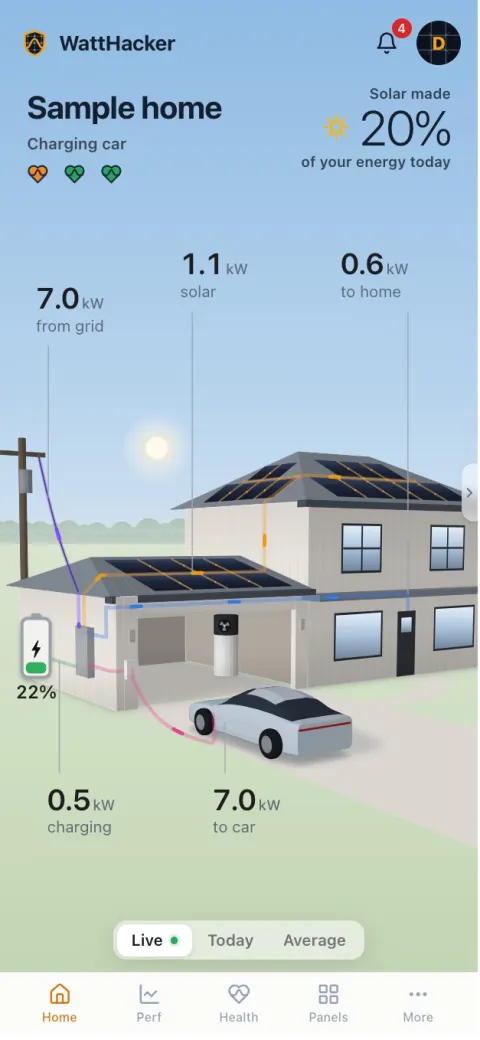
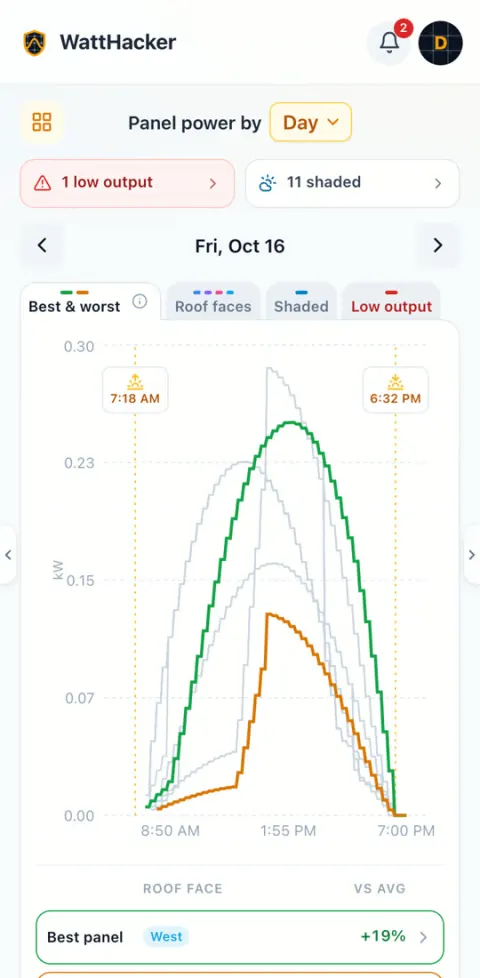
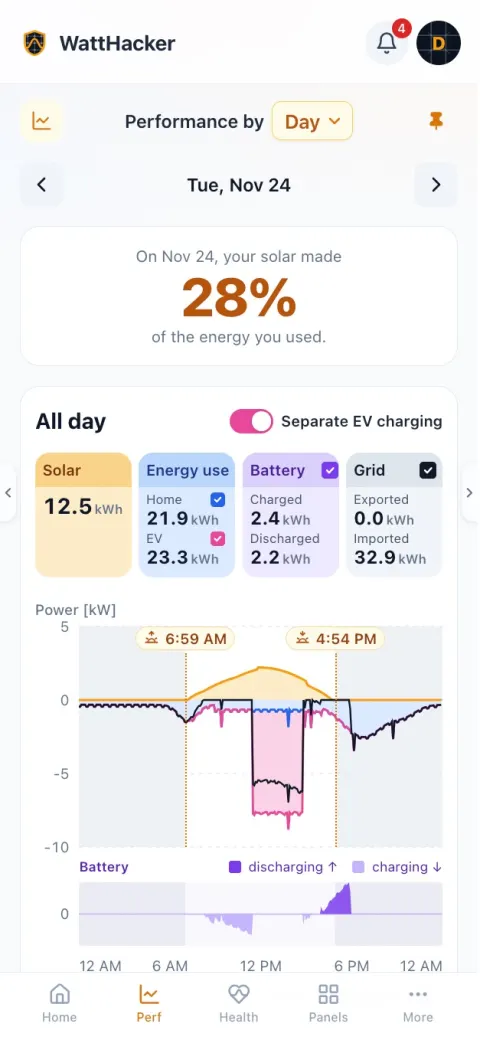
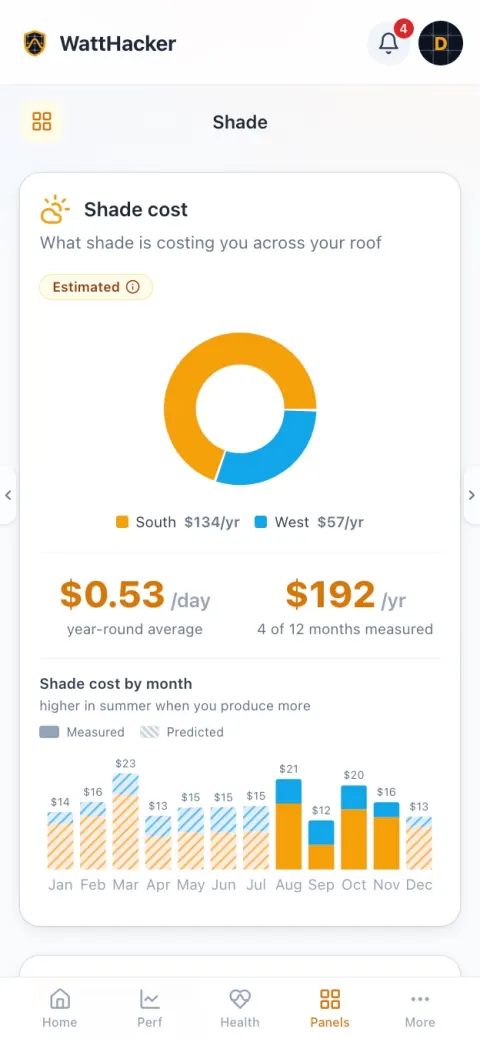
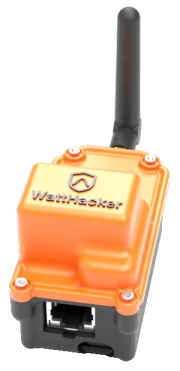
See every panel again.
- No subscription
- Alerts when a panel fails
- Plug it in yourself, no installer
$75 onceEvery panel, live
$199 oncePlus full history


Free app; monitor required. WattHacker is independent and not affiliated with SunPower, SunStrong, Maxeon, or Enphase.
Common questions
Is the SunStrong app down right now?
There's no way to check. SunStrong has no public status page. The fastest sign is the newest reviews in the App Store or Google Play: when it's down for everyone, several owners post the same day.
Why won't the SunStrong app let me log in?
On the login screen, tap Forgot Password. If no email arrives, SunStrong says you may have signed up with a different email address. After an app update, SunStrong suggests logging out and back in.
Why isn't my SunStrong data updating?
Look at the connection type in the app. SunStrong says "Cellular", "Communication Down", or "Unknown" all need action: cellular reporting ended in 2025, so the SunPower box must be on your Wi-Fi.
Why won't my SunPower box connect to Wi-Fi?
It only joins 2.4 GHz Wi-Fi. If it still won't connect, SunStrong says to use an Ethernet cable; it also lists power-line adapters and Wi-Fi extenders.
What is the SunStrong Site ID?
Some owners are asked for a Site ID when they create an account. SunStrong doesn't say what it is or where to find it. Ask them through their customer service form, or ask your installer.
Why isn't the SunStrong app showing consumption?
If it never has, home usage needs sensors called CT clamps, fitted when the system was installed, and many systems never had them. If it showed before and stopped, check the app's connection type first.
Are my solar panels broken if the app says zero?
Probably not. The panels don't need the app. On a sunny afternoon, a working system pushes your electric meter toward or past zero.
 See every panel again SunPower, no subscription.
See your own panels, live.
See plans Try the demo Back to home