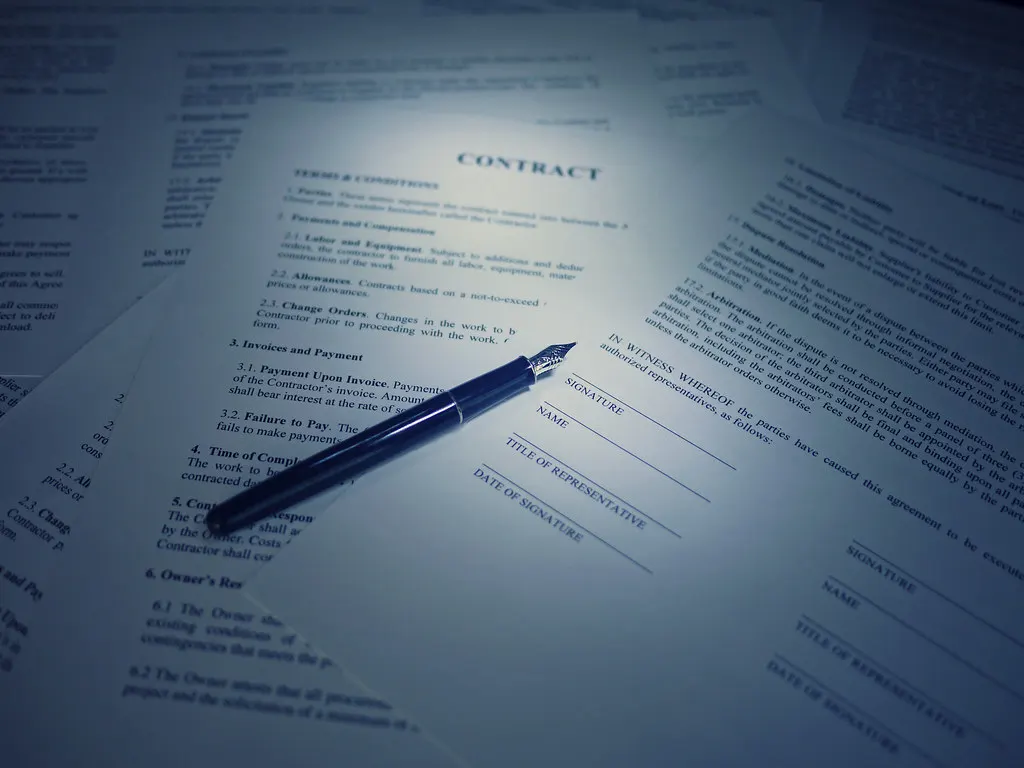
Why a claim needs a record
Your panels and microinverters carry their makers' warranties for years. A claim is stronger with evidence: which panel, since when, and by how much.
When SunPower failed in 2024, its app and web portal went dark. Its replacement, SunStrong Connect, puts history and per-panel data behind a paid tier.
We gather the record. We don't file claims or read your contract. Who honors which warranty now.
Records kept by a company can vanish with it.
A row every night, in your own Drive
With Gigawatt, your monitor keeps a Google Sheet for you, and writes it itself.
- In the app's Settings, find Google Sheet and tap Connect.
- Enter the code on Google's page and allow access. It reaches only the sheets your monitor makes.
- We create the sheet and fill in every day we've already recorded.
- We hand the Google key to your monitor, then delete our copy.
- Each night after midnight, your monitor adds the day's row.
Each row: the date, the day's total, and every panel's kWh. Solar, grid, and home-use columns appear where your meters measure them.
A second file each year keeps every 15 minutes. You need a free Google account.
What it looks like
| Daily solar production (kWh) | |||||
| Home | Your name · your address | ||||
| Monitor | Your monitor · 24 panels | ||||
| Connected | Nov 23, 2026 | ||||
| Time zone | Pacific Time | ||||
| About | Your monitor adds a row each night. watthacker.com | ||||
| Roof face | South | South | West | … | |
| Date | Total kWh | E001…01 | E001…02 | E001…03 | … |
| Nov 21, 2026 | 27.36 | 1.18 | 1.21 | 0.96 | … |
| Nov 22, 2026 | 25.90 | 1.12 | 1.14 | 0.93 | … |
| Nov 23, 2026 | 28.04 | 1.20 | 1.23 | 0.99 | … |
An example. Download yours as Excel or CSV anytime.
If WattHacker closes
The sheet's path never touches our servers.
Your sheet keeps growing if we close, as long as your monitor, your internet, and Google keep working. What keeps running, and what stops.
Connecting, or reconnecting, runs through our servers. Connect now, not later.
Why I built it
I'm a SunPower owner with 19 years left on my own warranty. I'm not going anywhere, and I'll work tirelessly to keep WattHacker running.
The sheet means you don't have to take my word for it.
The bottom line
The nightly sheet comes with Gigawatt, for SunPower systems.
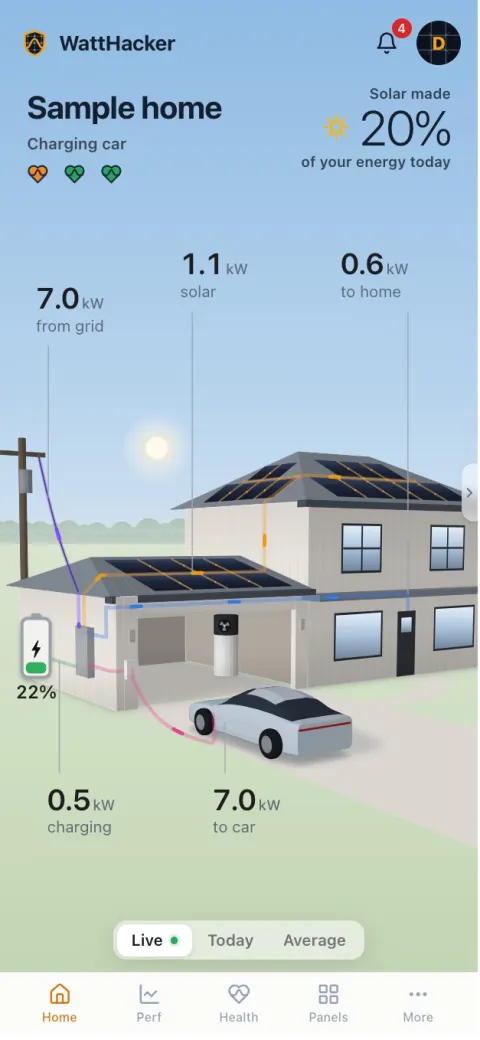
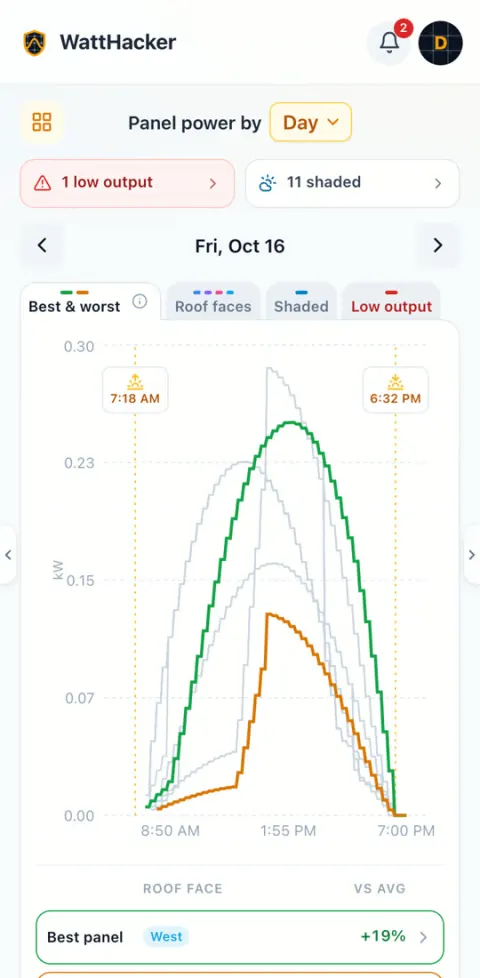
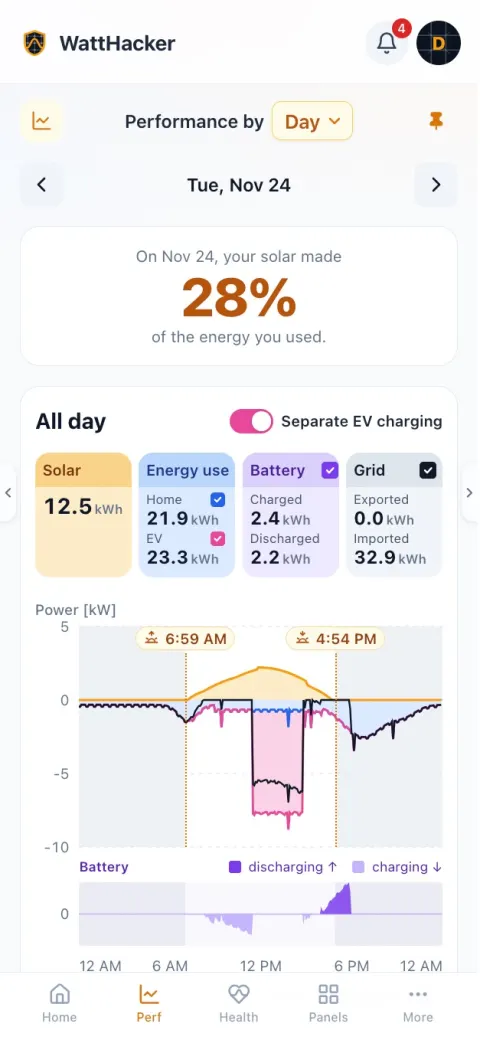
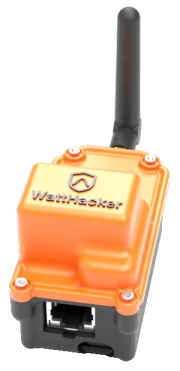
See every panel again.
- No subscription
- Alerts when a panel fails
- Plug it in yourself, no installer
$75 onceEvery panel, live
$199 oncePlus full history


Free app; monitor required. WattHacker is independent and not affiliated with SunPower, SunStrong, Maxeon, or Enphase.
Common questions
What happens to my panel data if WattHacker shuts down?
With Gigawatt, a SunPower monitor saves each panel's daily production to a Google Sheet in your own Google Drive every night, writing to Google directly. It keeps saving if WattHacker closes, as long as the monitor, your internet, and Google keep working. The WattHacker app, alerts, and the history on our servers would stop.
Do I need a Google account?
Yes, a free one. The sheet goes in that account's Drive.
Can WattHacker see the rest of my Google Drive?
No. The permission you approve reaches only the sheets your monitor makes. You can remove it anytime from your Google Account.
Does WattHacker file my warranty claim?
No. We gather the record. We don't file claims, read your contract, or judge whether a claim will succeed. Coverage is between you and each manufacturer.
Does the nightly sheet work with Enphase?
Not today. It needs each panel's lifetime energy counter, which SunPower gateways report and Enphase gateways don't.
 See every panel again SunPower, no subscription.
See your own panels, live.
See plans Try the demo Back to home